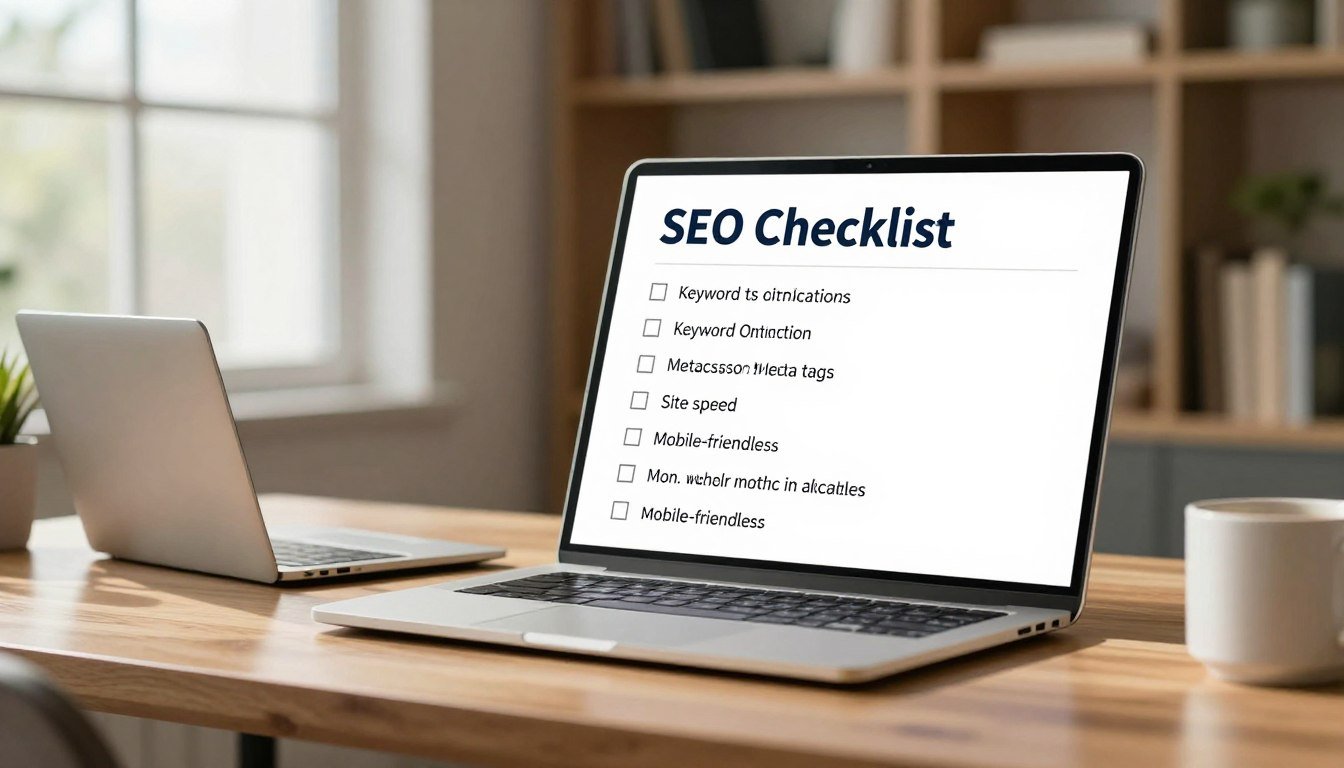
SEO Checklist (2026): Step-by-Step On-Page + Technical
Did you know that nearly sixty percent of online searches now end without a single click? This shift happens because AI answers provide information instantly to users. Your digital strategy must evolve to survive in this competitive landscape.
Staying ahead requires a modern search engine optimization checklist that focuses on how humans interact with your site. On-page changes boost relevance and improve the user experience significantly.
These updates help your webpages gain visibility in traditional search results and AI answers. A solid technical foundation ensures your site remains strong against unpredictable algorithm changes. High-quality site architecture is now essential for maintaining authority.
Modern systems prioritize sites that load fast and offer clear value to every visitor. By focusing on technical health, you ensure that bots can crawl your data without errors. This approach creates a seamless journey for your audience while building long-term trust.
Table of Contents
Key Takeaways
- Boost relevance through strategic on-page optimization.
- Enhance user experience to lower bounce rates.
- Optimize content for better AI search visibility.
- Strengthen your site’s technical health and crawlability.
- Build authority with high-quality site architecture.
- Future-proof your strategy against algorithm changes.
Why Search Engine Optimization Checklists Matter in 2026
With algorithms and user behaviors changing, a strong SEO checklist is key for success in 2026. Now, people search in many ways, not just Google. They ask Perplexity, prompt ChatGPT, and discover on TikTok. Businesses must update their SEO strategies for these new platforms.
The world of search is changing fast. This means we need a detailed search engine optimization plan. Users are now using different platforms to find information. This change highlights the need for a SEO checklist that covers all bases, old and new.
An effective SEO checklist for 2026 should focus on optimizing content for many platforms. It’s about understanding each platform’s unique features and tailoring content for users. This way, businesses can stay visible and competitive in the fast-paced digital world.
Also, as SEO best practices evolve, a good checklist keeps businesses current with trends and updates. This forward-thinking lets them adjust their strategies to keep their rankings and online presence strong.
In short, SEO checklists are more important than ever in 2026. As the digital world keeps changing, businesses must focus on wide-ranging SEO strategies. This ensures their online success and keeps them ahead in a shifting market.
Keyword Research and Strategy Foundation
In SEO, keyword research is key. It helps create a solid optimization checklist. A good keyword strategy makes sure your content matches what people are searching for.
Conducting Keyword Research
Start with tools like Semrush’s Keyword Magic Tool. Just enter a seed keyword and click “Search” to find lots of related keywords. This is important for finding search terms that can bring more visitors to your site. For a detailed guide, check out a keyword research checklist.
Understanding Search Intent
It’s important to know why people are searching for certain keywords. You can sort keywords into informational, navigational, or transactional types. This helps you create content that really meets users’ needs, making it more relevant and useful.
Identifying Long-Tail Keywords
Long-tail keywords are great for targeting specific groups with less competition. In affiliate marketing, finding these keywords can really boost your content’s visibility. For more on using long-tail keywords, see this guide.
Mapping Keywords to Pages
After finding your target keywords, match them to specific pages on your site. This makes sure each page is optimized for certain keywords, boosting your site’s SEO. A well-planned keyword mapping helps organize your content and makes it easier for search engines to find.
Content Quality and E-E-A-T Optimization
Today, high-quality content is essential, not just a bonus. It’s key to any good website SEO checklist. Search engines now check content quality and relevance better than ever. This means we must create content that shows expertise, authoritativeness, trustworthiness, and experience, or E-E-A-T.
Create Original, In-Depth Content
To be noticed online, your content must be original and detailed. Do deep research, share new insights, and make it fun to read. Original content helps avoid copying and makes your site a go-to in your field.
Google wants your content to show expertise and authoritativeness. This means your creator should really know their stuff and show it in their writing.
“Content is king, but only if it’s done correctly. The quality of your content can make or break your SEO efforts.”
Demonstrate Expertise and Authority
Showing expertise and authority in your content is key for E-E-A-T. Show off your creator’s skills, use solid facts, and keep your content accurate and clear.
- Highlight the credentials of your content creators.
- Use data and research to support your claims.
- Regularly update content to reflect the latest information.
Maintain Content Freshness and Relevance
Search engines like content that’s new and relevant. Keeping your content fresh keeps your readers coming back. It also tells search engines your site is worth more visits. Update old info, add new insights, or change formats to keep things fresh.
Optimize Content for Featured Snippets
Optimizing for featured snippets can really help your content get seen. Focus on giving clear, quick answers to common questions. Use formats like lists or guides to make your content easy to use in snippets.
| Optimization Technique | Description |
|---|---|
| Use Clear and Concise Language | Directly answer questions related to your topic. |
| Structured Formats | Utilize lists, tables, and step-by-step guides. |
On-Page SEO Checklist: Critical Ranking Factors
On-page SEO is key for a good digital marketing plan. It affects how well your site ranks and how users feel when they visit. By tweaking different parts of your site, you can get more people to see your site, get more specific visitors, and make more sales.
Optimize URL Structure and Permalinks
Good URL slugs make it easier for search engines and people to know what your page is about. Your URL should be short, clear, and have the right keywords.
Here’s how to make your URLs better:
- Use lowercase letters and hyphens to separate words
- Stay away from special characters and extra parameters
- Put target keywords at the start of your URL
- Keep URLs short, under 5 words
Implement Strategic Keyword Placement
Putting keywords in the right places helps search engines get what your content is about.
Focus on these areas for keyword placement:
- Page title and meta description
- Headings (H1, H2, H3, etc.)
- First paragraph and throughout the content
- Image alt tags and descriptions
Optimize Images for SEO
Improving images is important for faster page loads and better user experience.
Here’s how to optimize images:
- Use descriptive file names with target keywords
- Compress images to make them smaller
- Write alt tags that describe the image and include keywords
- Add captions and context
Add Structured Data and Schema Markup
Structured data and schema markup help search engines understand your content better. This makes your site show up better in search results with rich snippets.
Here are some common schema types:
| Schema Type | Description | Benefits |
|---|---|---|
| Article | For news articles and blog posts | Enhanced SERP display with publication date and author |
| Product | For e-commerce product pages | Rich snippets with price, reviews, and availability |
| Review | For product or service reviews | Star ratings and review counts in SERPs |
Title Tags and Meta Descriptions Best Practices
To make your website more visible in search results, mastering title tags and meta descriptions is key. These elements are vital for SEO and getting more clicks from search results.
Write Optimized Title Tags
Title tags show the title of a webpage. They appear in search results as the headline you click on. Here’s how to write great title tags:
- Be Descriptive and Concise: Your title tag should clearly describe the page and be short enough to fit in search results.
- Include Target Keywords: Put your main keyword at the start of the title tag to help search engines know what the page is about.
- Make it Compelling: Create a title that makes people want to visit your page.
Create Compelling Meta Descriptions
Meta descriptions give a quick summary of a webpage. They don’t affect rankings but can boost click-through rates. Here’s how to write great meta descriptions:
- Summarize the Page Content: Briefly summarize the webpage’s content.
- Include a Call-to-Action (CTA): Add a CTA to encourage people to visit your page.
- Use Keywords Naturally: Add relevant keywords to show the page’s connection to the search query.
Ensure Uniqueness Across All Pages
To make sure each page is unique to search engines, follow these steps:
- Each Page Has a Unique Title Tag and Meta Description: Customize these elements for each page’s content.
- Avoid Template-Based Descriptions: Don’t use the same title tags and meta descriptions for all pages. Customize each one.
By following these tips for title tags and meta descriptions, you can boost your website’s visibility. This will drive more relevant traffic and improve your SEO strategy.
Header Tag Hierarchy and Content Structure
Header tags are key to making content easy to read and search engine-friendly. They help both readers and search engines quickly grasp your content’s structure.
A good header tag hierarchy boosts both readability and SEO. It breaks down big topics into smaller, easier-to-digest sections. This makes your content more user-friendly.
Use Single H1 Tag Per Page
The H1 tag is the most critical header tag on a page. It represents the main title or headline. Having only one H1 tag per page tells search engines what your content is about.
Best practices for H1 tags include:
- Use a clear and brief title
- Include target keywords naturally
- Make sure it’s unique on your website
Create Logical H2-H6 Hierarchy
Creating a logical header tag hierarchy is vital for organizing content. It uses H2 through H6 tags to outline your content.
For example:
- H1: Main Title
- H2: Main Sections
- H3: Subsections under H2
- H4-H6: Further subsections as needed
Include Keywords in Headers Naturally
Adding relevant keywords to header tags can boost SEO. But, it’s important to do it naturally and avoid stuffing keywords.
“Headers should be descriptive and concise, providing a clear indication of the content that follows.”
Structure Content for Readability
Readability is key for keeping users engaged. Using header tags, short paragraphs, and bullet points can make your content easier to read.
| Readability Factor | Best Practice |
|---|---|
| Header Tags | Use H1-H6 tags to structure content |
| Paragraph Length | Keep paragraphs short and concise |
| Lists and Bullet Points | Use for complex information |
Technical SEO Checklist: Backend Optimization
Technical SEO is key to a good SEO plan. It makes sure search engines can find and list your site well. A well-optimized backend helps your site show up in searches and improves user experience.
Ensure Proper Crawling and Indexation
For your site to be seen on search engines, crawling and indexation are musts. Start by making and keeping a clean sitemap.xml file. This helps search engine crawlers navigate your site. Also, make sure your robots.txt file lets crawlers reach all your pages. Check for crawl errors in Google Search Console to fix any issues that stop your content from being indexed.
Don’t block search engine crawlers from important pages by checking your robots.txt file often. Use tools like Google’s Robots.txt Tester to check your settings.
Implement HTTPS and SSL Certificate
HTTPS and an SSL certificate are now essential for protecting user data and gaining trust. HTTPS is a ranking signal. Without it, your site might be seen as ‘Not Secure’ by browsers, which could scare off users. To get HTTPS, get an SSL certificate from a trusted CA, install it, and switch your site to HTTPS by default.
After switching to HTTPS, update all internal links and resources to use the secure protocol. Also, set up 301 redirects from HTTP to HTTPS to keep your link equity and avoid duplicate content problems.
Fix Broken Links and 404 Errors
Broken links and 404 errors can hurt your site’s user experience and rankings. Use tools like Screaming Frog or Ahrefs to check your site for broken links regularly. For missing pages, create a custom 404 error page to keep users on your site and guide them to related content.
When fixing broken links, focus on those leading to important pages or with a lot of backlink equity. If a link can’t be fixed, consider replicating the content or setting up a relevant redirect to keep your SEO value.
Eliminate Duplicate Content
Duplicate content can confuse search engines and lower your site’s ranking. To avoid this, use canonical URLs to show which page version is preferred. This is key for e-commerce sites with many product variations or content accessible through different URLs.
Also, be careful with parameter handling in URLs, as it can cause duplicate content issues. Use Google Search Console to find and fix any duplicate content problems.
Core Web Vitals and Page Speed Optimization
Page speed is key for search rankings and user experience. Core Web Vitals are a big focus for website owners. Google stresses the importance of user experience, making Core Web Vitals a must for SEO. For more info, check out Google’s Core Web Vitals documentation.
Core Web Vitals are important factors for Google when judging a webpage’s user experience. They include Largest Contentful Paint (LCP), First Input Delay (FID), and Cumulative Layout Shift (CLS). Improving these metrics helps with search rankings and user engagement.
Optimize Largest Contentful Paint (LCP)
LCP looks at how fast the biggest content element appears in the viewport. To better LCP, work on reducing the load time of big images or text. Compress images, use WebP formats, and keep server response times fast.
Key strategies for improving LCP include:
- Optimizing images and videos
- Using a Content Delivery Network (CDN)
- Minimizing CSS and JavaScript files
Improve First Input Delay (FID)
FID checks how fast a webpage becomes interactive. To improve FID, focus on optimizing JavaScript and keeping the main thread free from long tasks. Code splitting, reducing JavaScript time, and using web workers help a lot.
“FID is key because it affects how users see a website’s responsiveness,” Google says about Core Web Vitals.
Minimize Cumulative Layout Shift (CLS)
CLS measures a webpage’s visual stability by how much content shifts during loading. To lower CLS, make sure all elements have set sizes. Avoid adding content above existing elements unless it’s in response to user action.
Leverage Browser Caching
Browser caching stores often-used resources locally, cutting down on server reloads. This makes pages load faster for repeat visitors, boosting overall speed.
Google notes,
“Leveraging browser caching can greatly improve page load times for repeat visitors.”
Mobile SEO Optimization Checklist
Most people now use mobile devices to access the internet. A mobile SEO optimization checklist is key for success online. Google now focuses on the mobile version of your site first for indexing and ranking.
To make your site mobile-friendly, follow this detailed checklist. A mobile-friendly site isn’t just about looks. It’s about giving users a smooth experience that search engines can easily find and index.
Implement Responsive Design
A responsive design is the base of mobile SEO. It makes sure your site works well on all devices, giving users the best experience. This means using flexible designs and adjusting to screen sizes.
Pass Google Mobile-Friendly Test
Google’s Mobile-Friendly Test tool helps spot what needs fixing on your site. Passing this test shows your site meets Google’s mobile standards. This is important for your site’s ranking.
Optimize for Mobile Page Speed
Mobile page speed is key for both users and search engines. To speed up your site, optimize images, use browser caching, and reduce CSS and JavaScript files. Google PageSpeed Insights offers tips to help.
Ensure Touch Elements Are Properly Sized
Touch elements need to be the right size for a good mobile experience. Make sure buttons and links are big enough to tap easily. Also, leave enough space between them to avoid accidental clicks.
By using this mobile SEO optimization checklist, you can boost your site’s mobile performance. A well-optimized mobile site helps users and improves your search rankings.
Internal and External Link Optimization
To make your website better, focus on both internal and external links. A good link plan improves user experience, boosts search rankings, and makes your site more credible.
Internal links help users find more content and make it easier for search engines to understand your site. A smart internal linking structure can greatly improve user experience and search rankings.
Build Strategic Internal Link Structure
A well-thought-out internal link structure is key. It guides users and helps search engines find your content better. Identify important pages and link to them from other relevant pages. Use descriptive anchor text with target keywords.
Best practices for internal linking include:
- Use a clear and consistent linking strategy
- Avoid over-linking to keep link value high
- Make sure all internal links work
“Links are the currency of the web. They’re how we navigate, how we discover new content, and how search engines understand the web’s structure.” – Rand Fishkin
Acquire High-Quality Backlinks
Getting backlinks from trusted sites is key for external link optimization. These links show search engines your content is valuable, boosting your site’s authority and ranking.
Strategies for acquiring high-quality backlinks include:
- Create exceptional content that others want to link to
- Guest blog on reputable sites in your niche
- Join industry forums and discussions
Monitor and Disavow Toxic Links
Not all backlinks are good; some can harm your site. Regularly check your backlinks to find and disavow toxic ones. This keeps your site healthy and avoids search engine penalties.
Tools for monitoring backlinks include:
- Google Search Console
- Ahrefs
- Moz Link Explorer
Check for Broken Outbound Links
Outbound links to reputable sites can make your content more credible. But, it’s important to check these links often. Broken links can hurt user experience and your site’s credibility.
Tools like Ahrefs or SEMrush can help you find and fix broken links quickly.
Conclusion
Search engines keep getting better, making a solid SEO plan key for success online. In 2026, technical SEO is about building a clear connection with search engines. This means keeping up with new tech like AI and rendering updates to boost your site’s visibility.
Having a detailed SEO checklist is vital. It covers everything from making your site easy to read to technical SEO. This includes using new formats and structured data. For more help, check out Yotpo’s full technical SEO checklist and Affiliate SEO tips.
Keeping current with SEO trends and adapting to changes helps businesses succeed. With a good SEO checklist, you can increase conversions and reach your online goals.