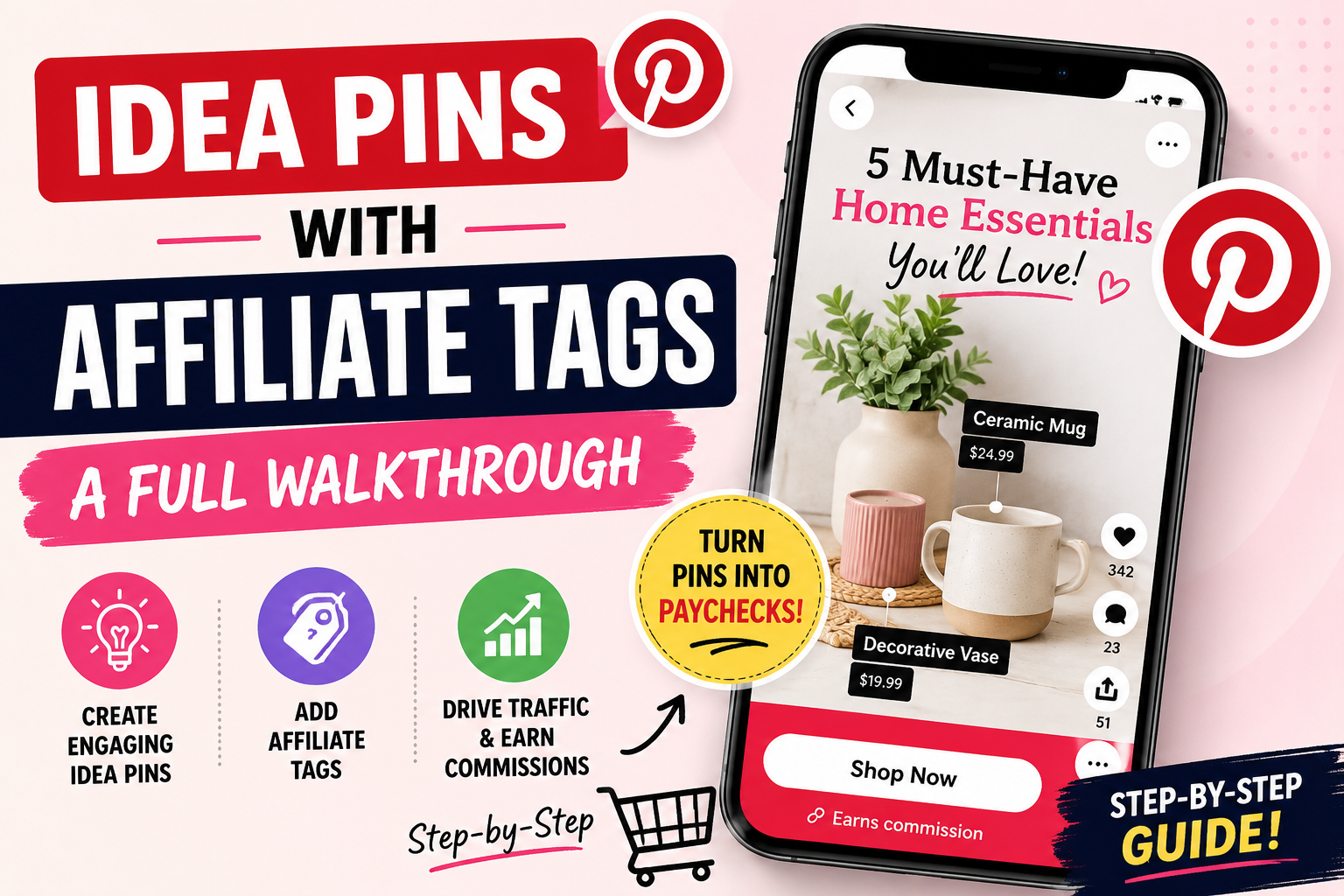
Powerful Idea Pins with Affiliate Tags: Full Walkthrough
Disclosure: Some links on this page may be affiliate links. If you buy through them, I may earn a commission at no extra cost to you. I only recommend what I’d use myself. Read the full disclosure.
Pinterest lets you attach real, clickable product tags to your Idea Pins, and most creators still never turn the feature on. If you’ve been posting Idea Pins without tags, you’re leaving clicks — and commissions — sitting on the table. This walkthrough shows you exactly how to set up idea pins with affiliate tags, step by step, so your content starts pulling its weight.
Table of Contents
What Idea Pin Product Tags Actually Do
A product tag is a small, tappable label that sits on top of your Idea Pin. When someone taps it, they see the product name, an image, and a link straight to where they can buy it — no digging through your bio or a linked website first. For affiliates, that means fewer steps between “interested” and “clicked,” which matters a lot on a platform where people scroll fast and rarely stop to search for a link.
The tag itself doesn’t replace your affiliate link. You still need to route the tag to a page or redirect that carries your affiliate ID. What the tag changes is friction: instead of telling someone “link in bio,” you’re putting the product directly in front of them while they’re already looking at it.
Before You Start: What You Need
A few things need to be in place before you can tag a pin:
- A Pinterest business account (personal accounts don’t get tagging tools).
- A verified website connected to your account, since Pinterest checks that the destination is legitimate.
- An affiliate link or a cloaked/redirect link ready to go for each product you plan to feature.
- The Idea Pin itself — filmed or designed — since you add tags during creation, not as an afterthought.
It also helps to have your disclosure language ready before you publish. Affiliate disclosure isn’t optional, and it’s much easier to build it into your pin from the start than to go back and fix it later.
Step-by-Step: Adding Tags to a New Idea Pin
Here’s the actual process, start to finish:
- Open the Pinterest app and start a new Idea Pin. Add your photos, video clips, or a mix of both, just as you normally would.
- Build out your pages. Idea Pins are made of multiple pages or clips — plan which page each product will live on before you start tagging, so the tag lands on the right frame.
- Tap the tag icon on the page where the product appears. This opens a product search or link field, depending on how your account is set up.
- Attach your link. If you’re tagging through a product catalog, select the matching item. If you’re tagging manually, paste your affiliate or redirect link into the field provided.
- Position the tag so it sits near the product in the frame, not covering someone’s face or the main visual — Pinterest will let you drag it into place.
- Repeat for each page that features a different product, then review every tag before you publish to confirm the links go where you intend.
- Add your title, description, and disclosure, then publish.
Choosing Products Worth Tagging
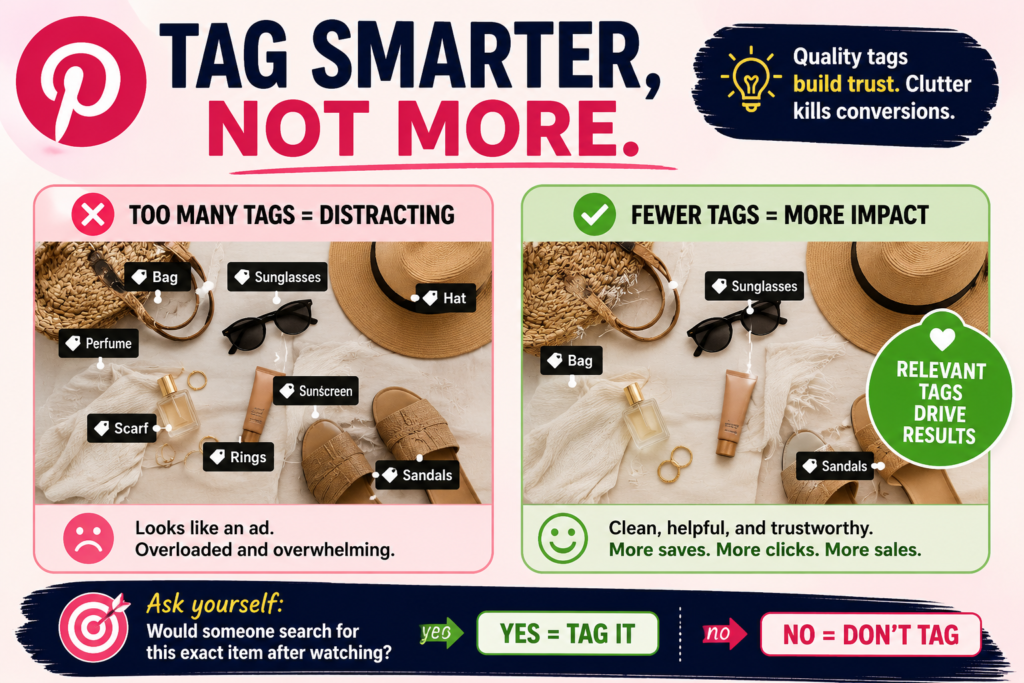
Not every product deserves a tag. Before you tag something, ask whether it’s genuinely central to the pin — if someone would search for that exact item after watching, it’s worth tagging. Vague or filler products usually just clutter the pin and dilute the ones that actually convert.
It also helps to tag fewer, more relevant products per pin rather than tagging everything visible. A pin with one or two well-placed tags tends to read as more trustworthy than one covered in labels, which can start to feel like an ad rather than useful content.
Formatting Idea Pins So the Tags Get Seen
A tag only works if someone notices it and understands what it’s for. A few formatting habits make a real difference:
- Hold on the product for at least a couple of seconds so viewers have time to register the tag, rather than cutting away instantly.
- Mention the product out loud or in on-screen text (“linked below” or “tagged here”) so people know to look for it.
- Keep the tag visible against the background — busy or dark frames can hide a small tag icon.
- Put your strongest or most relevant product on one of the first few pages, since drop-off increases the further someone scrolls through an Idea Pin.
Common Mistakes That Kill Tag Performance
A few habits quietly undercut idea pins with affiliate tags before they get a fair chance:
Tagging without context
If the product just flashes on screen with no mention, most viewers won’t notice the tag exists, let alone tap it.
Sending traffic to a broken or generic link
Always test your tagged link before publishing. A redirect that leads to a homepage instead of the specific product will quietly kill conversions.
Ignoring performance over time
Idea Pins can keep circulating well after posting, so it’s worth checking back on your older tagged pins periodically rather than assuming their performance is locked in on day one.
Skipping disclosure
A tag is still an affiliate link. Clear disclosure protects you and keeps trust with your audience, even when the platform’s own tools make the link.
Treating every pin the same way
A pin that’s purely aesthetic or entertainment-focused often doesn’t need a product tag at all, and forcing one on can feel out of place. Save tags for pins where a product is genuinely part of the content, not bolted on afterward to try to squeeze out extra clicks.
Idea Pin Tags vs. Standard Pin Links
It’s worth knowing when to reach for a tagged Idea Pin versus a regular static pin with a link in the description. Static pins are still useful for evergreen, search-driven traffic — someone searching a specific keyword can land on a static pin months after you posted it and click straight through. Idea Pins tend to work more like a discovery format: people find them through the feed or search, watch a few seconds, and decide in the moment whether to tap.
That difference changes how you should use tags. On a static pin, your link does most of the work, so the image and title need to earn the click on their own. On an Idea Pin, the tag is competing with motion, sound, and pacing for attention, so the product needs to be shown clearly and mentioned directly rather than just placed somewhere in the frame.
A reasonable approach is to use static pins for your highest-intent, keyword-driven content, and save tagged Idea Pins for products that benefit from being shown in use — demonstrations, before-and-afters, or anything that’s easier to understand in motion than in a single image.
Tracking Whether Your Tags Are Actually Working
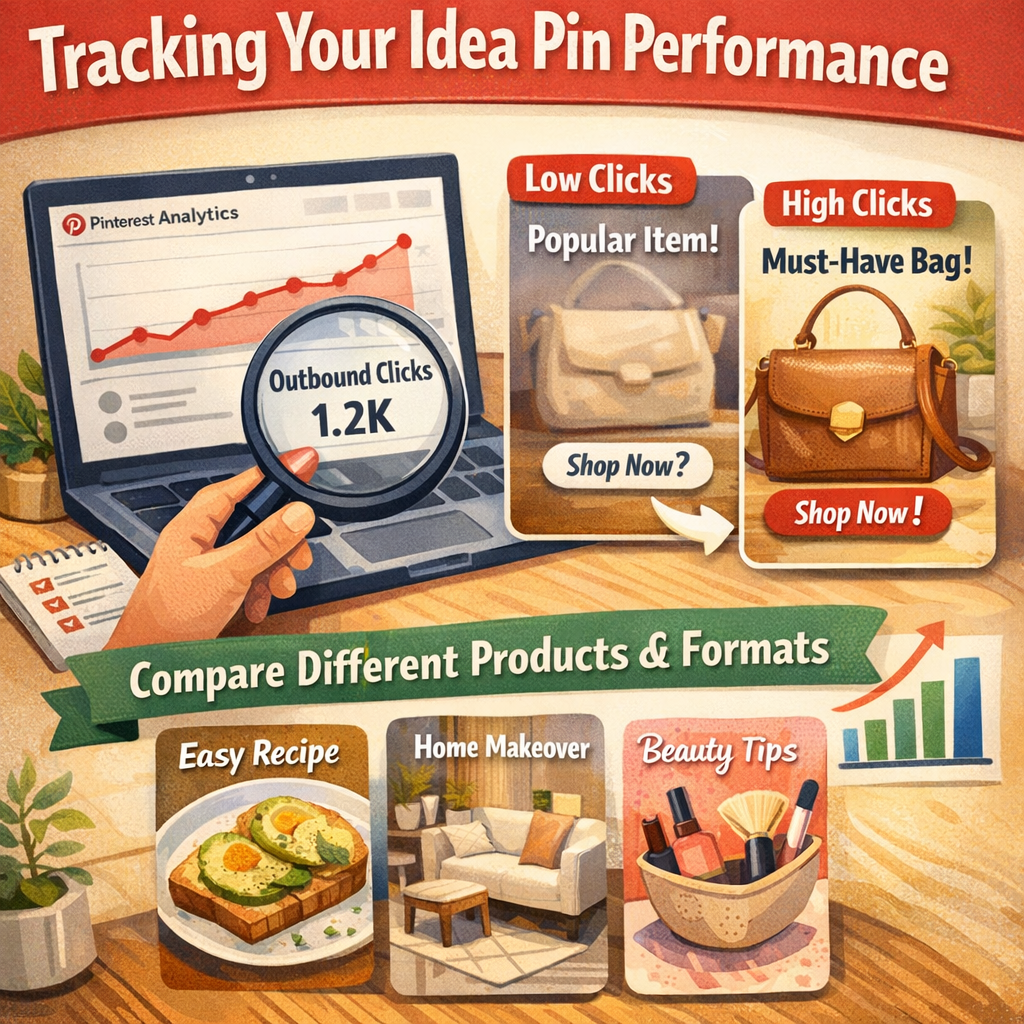
Once you’ve published a batch of tagged Idea Pins, don’t just assume they’re performing. Check your Pinterest analytics periodically to see which pins are generating outbound clicks, not just views or saves. A pin with high views but almost no clicks on the tag usually means the product wasn’t shown clearly enough, or the tag wasn’t mentioned — both are fixable in your next pin, not the one you already published.
It’s also worth comparing performance across a few different products and formats rather than judging the feature after a single pin. Some products naturally lend themselves to Idea Pins better than others, and you’ll only see that pattern once you’ve tagged a reasonable number of them.
Where This Fits Into a Bigger Pinterest Strategy
Idea Pin tags work best as one piece of a larger approach, not a standalone tactic. Pairing tagged Idea Pins with consistent standard pins, solid keywords, and a repeatable posting rhythm tends to outperform relying on tags alone. If you haven’t mapped out how these pieces fit together yet, our Pinterest affiliate marketing system walks through how to structure the whole channel, not just individual pins.
FAQ
Do I need a certain number of followers to tag products on Idea Pins?
No follower minimum is required to add tags — you mainly need a verified business account and a working link for each product.
Can I edit tags after an Idea Pin is published?
Editing options are limited once a pin is live, which is why it’s worth double-checking every tag and link before you hit publish.
Will tagging too many products hurt my reach?
There’s no confirmed reach penalty for tagging, but pins that feel over-tagged or ad-like tend to get less engagement, and engagement is what actually drives distribution.
Do affiliate tags work the same as Pinterest’s native shopping tags?
They serve a similar purpose — making a product tappable — but the destination and tracking depend on how you’ve set up your link, so always confirm your affiliate link is the one attached, not a generic product page.
Idea Pin tags are one of the simplest ways to shorten the path between someone watching your content and someone actually clicking through. They won’t fix a pin that isn’t interesting on its own, but on a pin that’s already doing its job, a well-placed tag turns a passive viewer into a warm click. Start with one or two products you already believe in, get the setup right, and expand from there once you can see what’s actually converting.
Niche → offer → SEO cluster → Pinterest pins → first clicks. No fluff.