How Long Do Pinterest Pins Last? The Shocking Truth Behind Your Affiliate Clicks
Disclosure: Some links on this page may be affiliate links. If you buy through them, I may earn a commission at no extra cost to you. I only recommend what I’d use myself. Read the full disclosure.
How long do Pinterest pins last? Longer than you’d think. If you’ve ever pinned something and forgotten about it, only to notice clicks trickling in from that same pin months later, you’re not imagining things. Pinterest pins don’t behave like a tweet or an Instagram post that dies after a day or two, and understanding this timeline changes how you plan, how you batch content, and how much effort you put into any single pin.
Table of Contents
- Why Pinterest Pins Behave Differently Than Other Social Content
- The Rough Timeline: What Actually Happens to a Pin Over Time
- What Determines Whether a Pin Has Staying Power
- How This Should Change Your Pinning Strategy
- Setting Realistic Expectations for Affiliate Traffic
- Frequently Asked Questions
Why Pinterest Pins Behave Differently Than Other Social Content
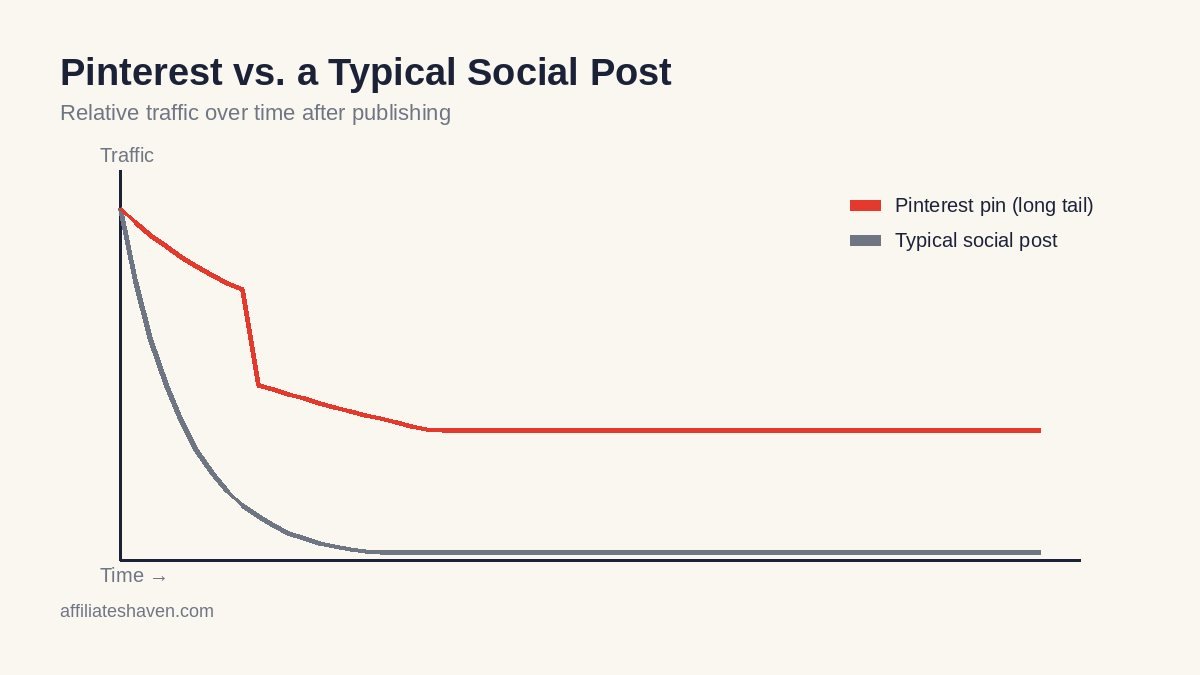
Pinterest isn’t really a social network in the way Instagram or X are. It functions more like a visual search engine, matching search intent the same way Google Search works when it crawls, indexes, and ranks pages. When someone searches “budget kitchen organization” or “affiliate marketing for beginners,” Pinterest is trying to surface the most relevant, best-matching pins for that query, not just the newest ones. That’s the core reason pins can keep showing up in search and in home feed recommendations long after you’ve posted them.
Because of this search-engine-like behavior, a pin’s lifespan is tied more to how well it matches ongoing search demand than to how recently it was published. A well-optimized pin on an evergreen topic can keep getting discovered on a rolling basis, the same way an old blog post can keep ranking on Google years after it was written. Pinterest’s own business help documentation confirms that recommendations are driven by ongoing engagement signals and machine learning models rather than a simple publish-date ranking.
The Rough Timeline: What Actually Happens to a Pin Over Time
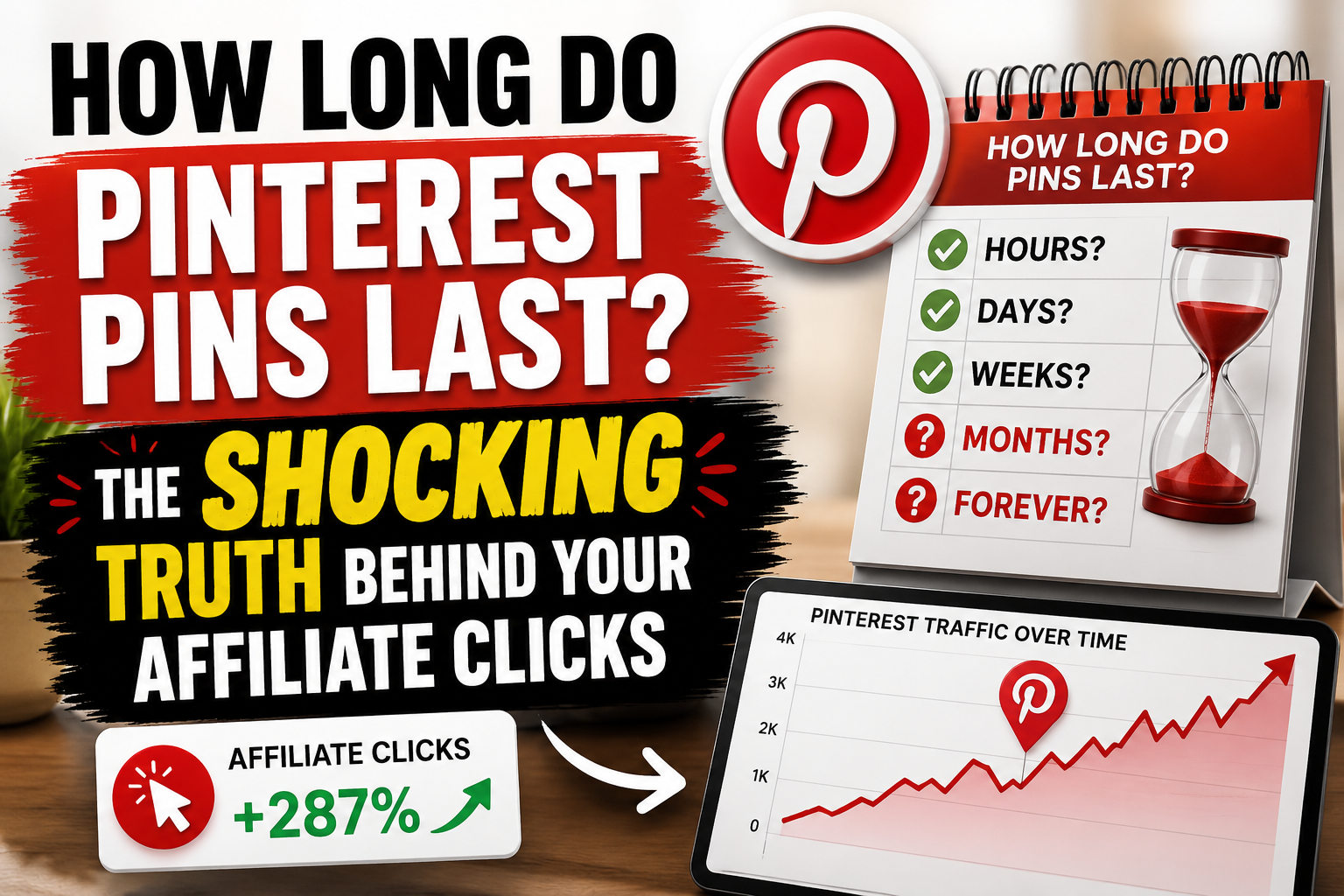
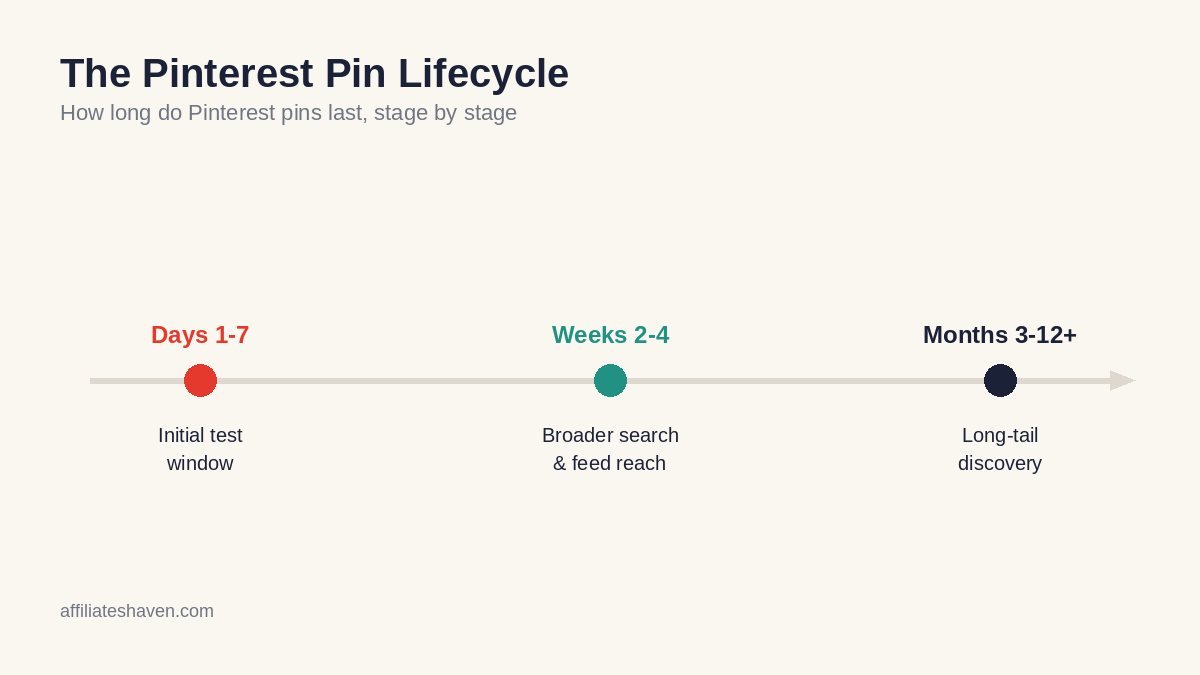
There’s no single official number Pinterest publishes for “pin lifespan,” and you should be skeptical of anyone who gives you an exact day count as if it were gospel. What you can observe, if you watch your own analytics over time, generally looks like this:
- The first few days: New pins tend to get an initial visibility window, especially if your account has decent engagement history. This is Pinterest testing the pin with a small audience to see how people respond.
- The first few weeks: If the pin performs reasonably well (saves, clicks, closeups), it can start showing up more broadly in search results and related-pin feeds.
- Months later: This is where Pinterest really separates itself from other platforms. Pins on evergreen topics can continue surfacing in search results and boards for months, sometimes over a year, especially if the topic keeps getting searched.
The practical takeaway is that a “slow” pin isn’t necessarily a failed pin. Many pins that look unremarkable in week one go on to be steady, long-term traffic sources simply because they keep matching search intent.
What Determines Whether a Pin Has Staying Power
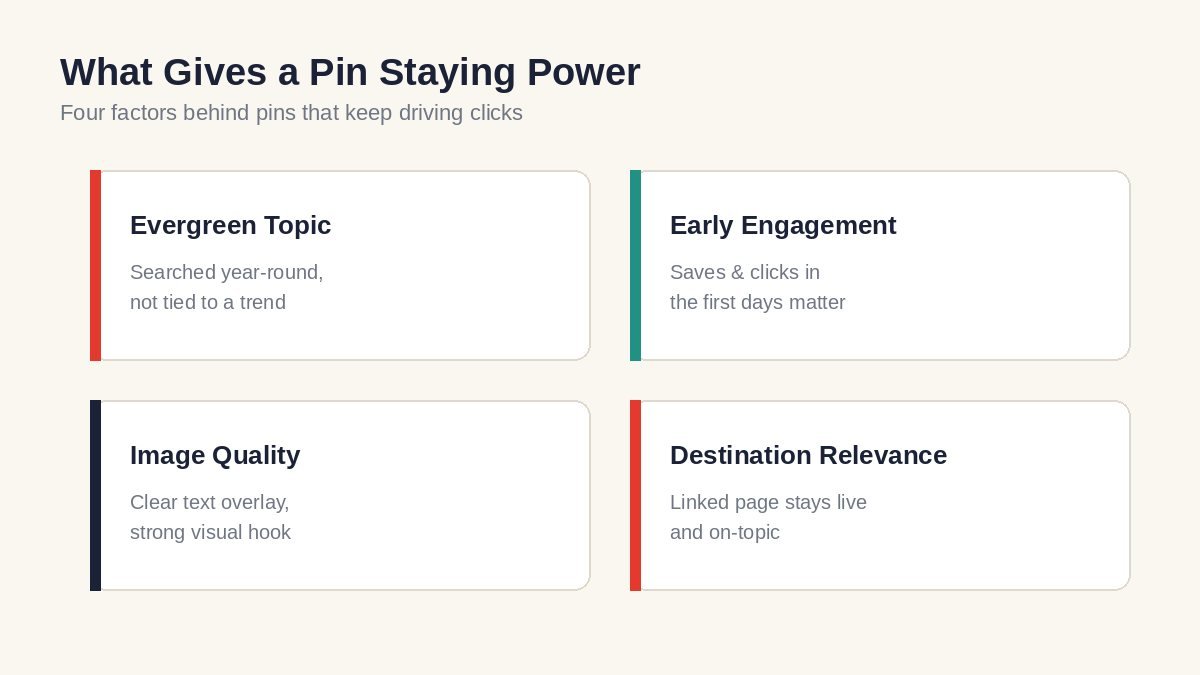
Not every pin ages the same way. A few factors tend to separate pins with a long tail from pins that fade quickly:
Topic evergreen-ness
A pin about “best gift ideas for a specific holiday” has a short natural shelf life. A pin about a general how-to topic, a comparison, or a checklist that people search year-round has a much longer one. This is the same principle behind evergreen content marketing more broadly: if you want pins that keep working, lean toward topics people are searching for constantly rather than ones tied to a specific date or trend.
Early engagement
Pins that get saved and clicked early on tend to get more distribution later. Pinterest is reading those early signals as “this is worth showing to more people,” which affects how long the pin stays in rotation.
Image quality and clarity
Pins with clear, readable text overlay and a strong visual hook tend to keep performing because they’re easier for both users and Pinterest’s systems to understand at a glance, even as they resurface in new contexts.
Destination relevance
If the linked page still matches what the pin promises, and the page itself is still live and useful, the pin keeps converting. If the destination page gets deleted, redirected badly, or becomes outdated, the pin’s long-term value drops even if Pinterest keeps showing it.
How This Should Change Your Pinning Strategy
Once you accept that pins can keep working for a long stretch, a few strategic shifts make sense:
- Prioritize evergreen topics over trend-chasing. A handful of well-made, evergreen pins can outperform a much larger pile of pins built around short-lived trends.
- Don’t panic if a pin is slow in week one. Give pins time before judging them. Many affiliates check performance too early and abandon pins that would have picked up later.
- Keep your linked pages updated. Since old pins keep sending traffic, it’s worth periodically checking that the pages they point to are still live, still relevant, and still contain a working affiliate link.
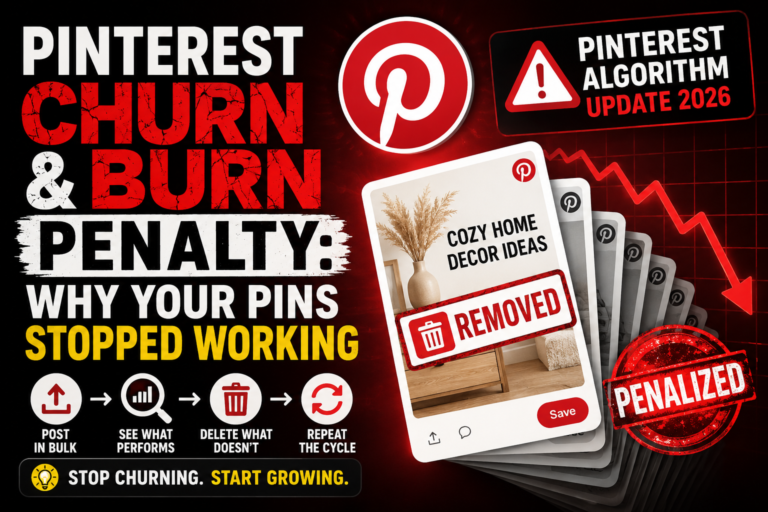
- Repin and refresh sparingly, not constantly. If a topic is still evergreen, a slightly refreshed version of a pin (new image, updated title) can extend its life further. This is different from the churn-and-burn approach of posting the same content repeatedly in a short window, which you can read about in our 30-day Pinterest posting plan.
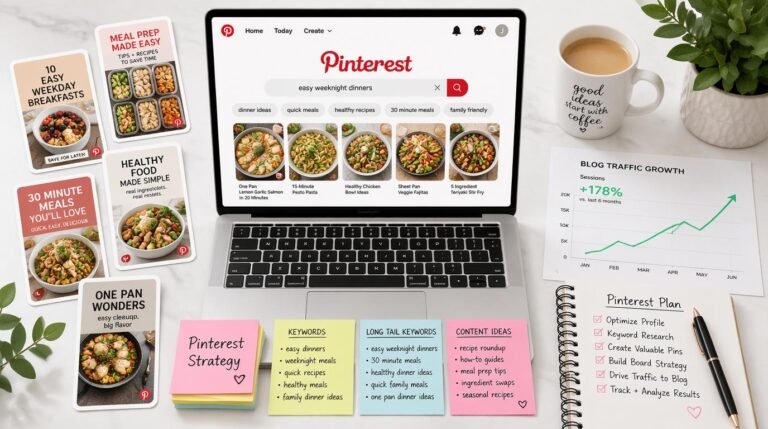
If you haven’t already put in the groundwork on the discovery side of things, it’s worth reading up on how Pinterest SEO actually works before you invest heavily in a pinning schedule, since the two go hand in hand. A pin with strong SEO fundamentals is exactly the kind of pin that tends to have a long tail. It also pairs well with a repeatable Pinterest affiliate marketing system so new pins keep entering the pipeline without you having to reinvent your process each week.
Setting Realistic Expectations for Affiliate Traffic
For affiliates specifically, this long-tail behavior is genuinely useful. It means your Pinterest strategy doesn’t have to be a treadmill where you’re constantly producing new pins just to stay visible. A smaller number of well-made pins on evergreen, high-intent topics, paired with patience, tends to build a base of ongoing traffic that keeps sending clicks to your affiliate content without daily upkeep.
That said, “long tail” doesn’t mean “set it and forget it forever.” Pins do eventually slow down, especially if the topic falls out of search demand or if better, newer content starts outranking yours in relevance. Treat pinning as an ongoing practice, not a one-time task, but don’t feel pressure to reinvent your whole content library every week either.
Frequently Asked Questions
Do older pins stop working after a certain number of days?
Not on a fixed schedule. Pins don’t have an expiration date the way a story or a tweet does. Performance is driven more by ongoing search relevance and engagement than by age alone.
Should I delete old pins that aren’t performing?
Generally no, unless the pin links to a dead page or outdated content. A quiet pin isn’t necessarily a broken one, and deleting it removes any chance it has of picking up traffic later.
Is it better to make new pins or repin old content?
Both have a place. New pins help you cover new topics and test fresh angles. Refreshing strong-performing older pins with an updated image or title can extend their life without starting from zero.
Does posting frequency matter if pins last a long time?
Consistency still matters for account health and discovery, but it’s less about volume and more about quality and relevance. A steady drip of well-targeted pins tends to beat a large batch of rushed ones.
The bottom line is that Pinterest rewards patience in a way most social platforms don’t. If you build pins around real search demand, keep your linked pages current, and give new pins time to find their audience, you end up with a growing library of assets that keep working for you long after you hit publish.
Niche → offer → SEO cluster → Pinterest pins → first clicks. No fluff.