Pinterest 2026 Algorithm Update for Affiliate Marketers Revealed: Why Your Traffic Stalled (and the Fix)
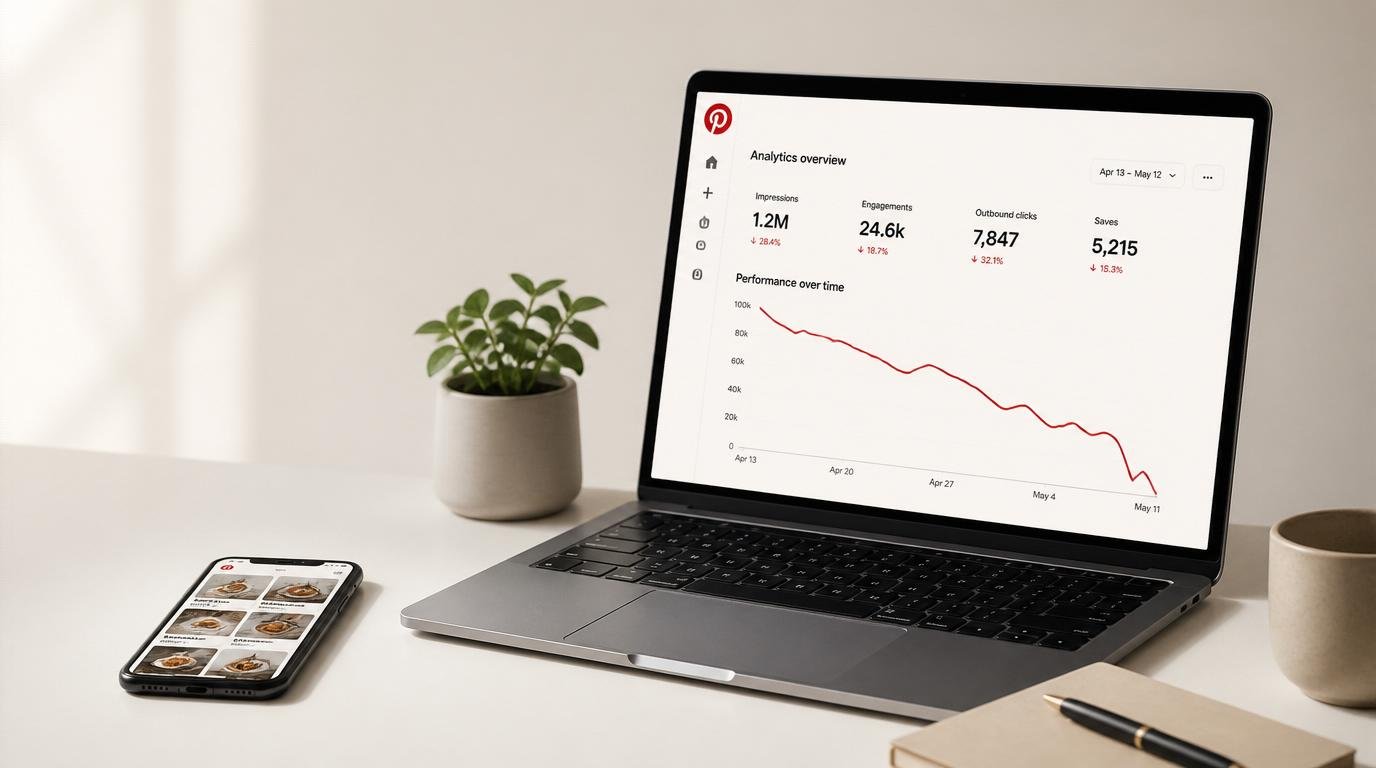
If the Pinterest 2026 algorithm update just gutted your affiliate clicks, you are not imagining it and you are not being punished for a mistake you can name. Here’s the pattern I keep seeing: a creator who was doing everything “right” watches impressions crater 60, 70, even 90 percent in a week. One marketer publicly logged their reach falling from 20 million monthly impressions to 50,000 in four days.
That is the problem. And the agitating part? Pinterest rarely announces these shifts, so you are left refreshing analytics at midnight wondering if your business just evaporated. The solution is less mysterious than the panic suggests, and I’ll walk you through it the way I’d explain it to a friend who’s about to rage-quit the platform.
What you actually want here isn’t a lecture on “the algorithm.” You want your revenue back, and you want to stop feeling like the ground shifts under you every quarter. By the end of this, you’ll be able to diagnose why your specific account stalled and work a recovery checklist in the order that actually moves the needle.
On this page
- What the 2026 update actually changed (TransActV2 in plain English)
- Why your affiliate clicks stalled: the six likely culprits
- The recovery checklist, in priority order
- The advanced play: an outbound-click engine the new system respects
- Myth-busting: what won’t save your traffic
- Pinterest 2026 update FAQ
- My top recommended gear
What the 2026 Update Actually Changed (TransActV2 in Plain English)
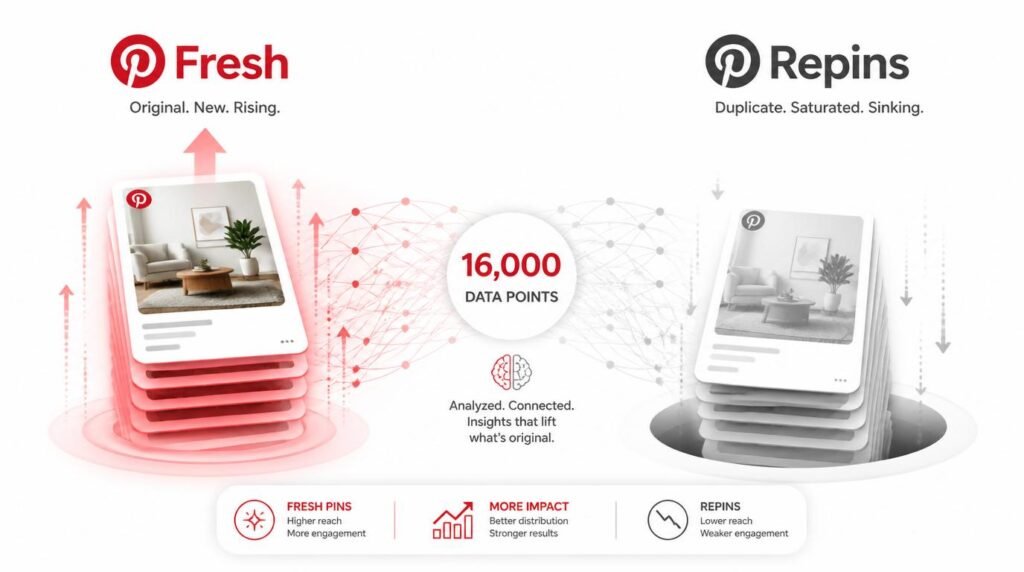
The Pinterest 2026 algorithm update is really the maturing of TransActV2, the ranking system Pinterest began rolling out in early 2025. It reads up to roughly 16,000 of a user’s past actions instead of the old 100, and it rewards fresh pins, video, and on-platform engagement over repins and outbound clicks. That combination is why affiliate traffic stalled.
So what does that 16,000-action jump mean for you, specifically? In the old world, Pinterest recommended content based on a shallow slice of recent behavior. Now it models intent across a person’s long history, which lets it match pins with almost eerie precision and, crucially, decide much faster which pins deserve a second wave of distribution. Pinterest’s own engineering team documented the leap, and the fallout showed up in creator forums within weeks. If you want the mechanics of how discovery works under the hood, I broke that down separately in my piece on how Pinterest search really works.
Three shifts matter most for anyone monetizing with affiliate links. First, freshness beats volume now, and repins that used to carry your reach get a fraction of their old distribution. Second, the system leans toward video and shopping pins while many older static pins quietly lose visibility. Third, and this is the one that stings, Pinterest favors in-app engagement such as saves, close-ups, and watch time over the outbound clicks that send people to your offers. Read that last one twice, because it reframes the entire game for affiliates.
Why Your Affiliate Clicks Stalled: The Six Likely Culprits
Ready to figure out which of these is draining your account? Most stalls are one or two of the following, not all six. Work down the list and be honest with yourself.
Did you get caught in the freshness filter?
This is the number one cause I see. Pinterest now treats a re-saved or slightly-tweaked old design as a duplicate, so recycling last year’s winners, even with flawless SEO, buys you almost nothing. The fix isn’t a new URL every time; it’s a genuinely new image, headline, and description that gives a fresh reason to click. ngl, this one caught me off guard the first time it happened to a set of my best-performing evergreen pins.
Is Pinterest quietly deprioritizing your outbound clicks?
Here’s the counterintuitive claim: the platform that made affiliate marketers rich by sending clicks off-site now slightly penalizes pins that only do that. Because TransActV2 rewards on-platform engagement first, a pin that earns saves and close-ups before it sends the click gets more distribution than a naked “buy this” pin. I’ll resolve exactly how to exploit that tension a little further down, so hold that thought.
Were your pins swept up in the spam de-indexing?
Waves of overly aggressive spam filtering have de-indexed legitimate accounts, meaning your pins vanish from search entirely even though nothing got you suspended. Test it: open an incognito window and search a keyword you know you rank for. If your pins are nowhere, you’re likely flagged, and the move is to pause pinning for a few days and request a manual review.
Are your pins the wrong shape now?
Long “infographic” pins are being pessimized. Pinterest is cutting off anything past a 2:4.2 ratio and steering everyone to a clean 2:3. If your templates are taller than that, you’re literally getting cropped in the feed, which tanks engagement before anyone even reads your hook.
Is your site health dragging you down?
The 2026 system leans harder on technical signals from your destination. A slow, unverified, or non-HTTPS site suppresses distribution. Get mobile load under three seconds, claim your domain inside Pinterest, and turn on Rich Pins so your metadata reinforces every pin. This is unglamorous plumbing, but it’s often the difference between recovery and a flatline. It also feeds directly into your broader affiliate traffic strategy across every channel, not just Pinterest.
Did your keywords quietly go stale?
Search behavior on Pinterest shifts every few months. If you’re still targeting the phrasing you researched a year ago while everyone has moved to “2026” variants, your perfectly designed pins simply don’t surface. Refresh your keyword set quarterly using the native search bar’s autocomplete, which shows you what real people type today.
The Recovery Checklist, in Priority Order
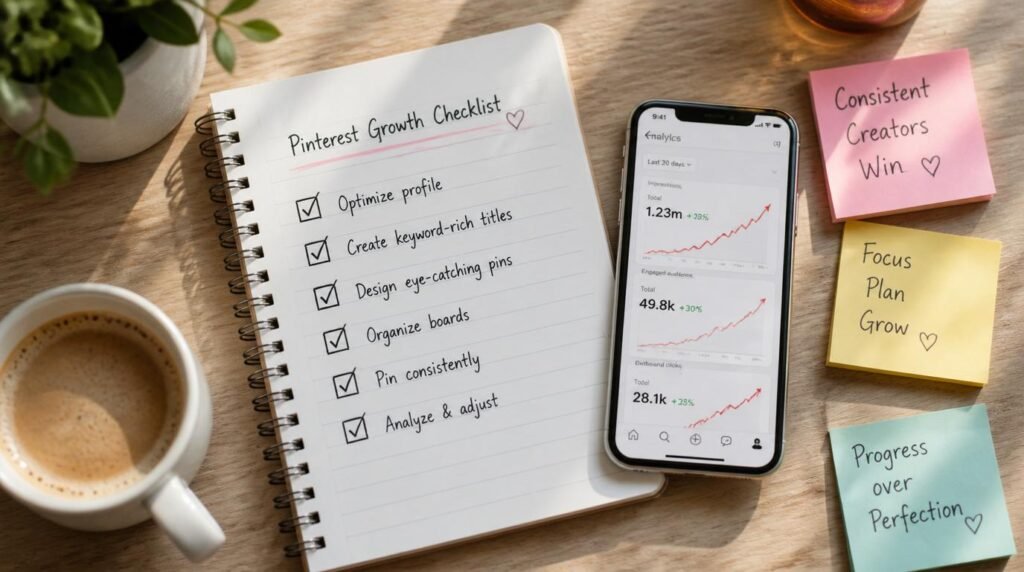
Don’t do all of this at once and don’t do it in a random order. Distribution recovers when Pinterest re-reads your account as trustworthy and fresh, and that happens in stages. Here’s the sequence I’d run, top to bottom:
- Stop the flood first. Pause any churn-and-burn scheduling for five to seven days. Blasting more pins into a suppressed account just reinforces the spam signal.
- Confirm you’re actually indexed. Incognito-search your top keywords. If your pins are gone, redesign obvious duplicates, clean up spammy descriptions, and request a manual review before doing anything else.
- Ship genuinely fresh pins. New image, new title, new description, ideally on a 2:3 canvas. Two to five a day, spaced out, beats twenty in an afternoon every single time.
- Add motion. Convert your strongest static winners into short video or idea-style pins. The system is actively favoring them right now.
- Fix the plumbing. Mobile speed under three seconds, HTTPS, claimed domain, Rich Pins live.
- Refresh keywords and boards. Rebuild titles, descriptions, and board names around current autocomplete terms, then place each pin on its most relevant keyword-rich board.
- Keep publishing through the dip. The creators who recovered fastest from the 2026 slumps are the ones who never stopped feeding the index.
Notice what’s not first on that list: making new pins. Counterintuitive, right? If you’re de-indexed or flagged, gorgeous new pins land in a void. Fix trust and freshness signals first, then let volume compound. For the SEO-specific layer of this, my deeper walkthrough on Pinterest SEO covers keyword clustering and board architecture in more detail than I can fit here.
Watch This Before You Rebuild
Expert commentary: This one earns your ten minutes because it demonstrates the freshness-first, fresh-pin workflow on-screen rather than just describing it, which is exactly the muscle most stalled accounts need to rebuild. Swap it for a creator you already trust if you have one, but do watch someone actually build pins under the new rules before you start.
The Advanced Play: An Outbound-Click Engine the New System Respects
Now for the part surface-level articles skip. If Pinterest rewards on-platform engagement but you need the outbound click, the answer isn’t to fight the algorithm, it’s to give it what it wants and then take what you want. IMO this is where the recovered accounts pull away from the ones still stuck.
Build what I call a two-beat pin. Beat one earns the save or the close-up: a genuinely useful visual, a video that pays off in the first three seconds, a headline that promises something specific. Beat two, the click, then feels earned rather than demanded. Because TransActV2 reads that early engagement as quality, the pin gets a wider second wave of distribution, which means more total clicks even if a smaller percentage click. You’re playing a bigger board, not a tighter one.
Layer a bridge page underneath it. Instead of firing raw affiliate links, send pins to a fast-loading post or resource page where the product lives inside real, helpful content. This does three jobs at once: it satisfies Pinterest’s preference for a strong destination, it keeps you compliant with programs like Amazon Associates that expect a real site, and it lets you capture an email so a single visitor can convert more than once.
Pinterest itself can now “read” the text on your image and check that it matches your destination, so a bridge page that actually delivers on the pin’s promise protects you from throttling. If the pin says “2026 budget travel gear” and the page delivers exactly that, you’re safe; if it dumps people on a generic storefront, you get suppressed.
One more advanced signal most people miss: the real-time engagement loop. In 2026, when someone interacts with your pin, Pinterest can instantly surface more of your content to that same person. That turns consistency into a compounding asset. A tight, on-niche account where every pin reinforces the last trains the system to treat you as a reliable source and re-serve you to warm audiences. Scattershot posting breaks that loop. 🙂
Myth-Busting: What Won’t Save Your Traffic
Feeling the urge to try one weird trick to fix everything overnight? I get it, the fear is real when your income line is falling. But let me save you some wasted weeks, because I’ve watched people burn a month on each of these.
Myth: “I need to delete my account and start fresh.” Almost never true, and it throws away an indexed pin library that took months to build. Diagnose de-indexing first; a manual review fixes most legitimate accounts.
Myth: “Third-party schedulers are getting me penalized.” Pinterest has publicly confirmed that native scheduling and approved tools like Tailwind are both fine. Freshness is what matters, not the tool you use to publish it.
Myth: “More pins per day equals more traffic.” That era is over. Past roughly fifteen pins a day you’re flirting with the spam filter, and rapid repinning of the same image across boards is a classic churn-and-burn signal the system now throttles.
Myth: “Affiliate links are banned now.” They’re not. Direct affiliate links remain allowed as long as they aren’t cloaked and you follow community guidelines. And whatever you do, disclose them clearly, both because it builds trust and because the U.S. Federal Trade Commission’s endorsement guidelines require it. For a broader, brand-level take on affiliate compliance, Shopify’s Pinterest affiliate guide is a solid reference, and Pinterest’s own Business Community is where policy shifts surface first.
Pinterest 2026 Update FAQ
Why did my Pinterest traffic drop after the 2026 algorithm update?
Most drops trace back to TransActV2, the ranking system Pinterest began rolling out in early 2025. It weighs freshness, video, and in-app engagement far more heavily than repins and outbound clicks, so recycled pins and static affiliate designs lose reach. A wave of spam-filter de-indexing has hit legitimate accounts too.
Does the Pinterest 2026 algorithm update hurt affiliate links specifically?
Indirectly, yes. The new system rewards in-app engagement such as saves, close-ups, and video watch time over the outbound clicks affiliate marketers depend on. Direct affiliate links are still allowed, but pins that only push people off-platform get less distribution than pins that earn on-platform engagement first.
How long does it take to recover Pinterest traffic after an algorithm update?
Plan for 30 to 90 days. Pinterest re-evaluates content quality slowly, and pins have a shelf life measured in months, so consistent fresh publishing during the slump usually rebuilds distribution faster than pausing. The creators who kept shipping through the dips recovered first.
How many fresh pins should affiliate marketers post per day in 2026?
A steady two to five genuinely fresh pins a day beats bursts. Anything past roughly fifteen pins in a single day now risks the spam filter, and repinning the same design across many boards can read as churn-and-burn behavior the algorithm throttles.
Are direct affiliate links still allowed on Pinterest in 2026?
Yes. Pinterest permits direct affiliate links in pins as long as they aren’t cloaked or disguised and you follow the community guidelines. Routing traffic through a bridge page or blog post still tends to convert better and keeps you compliant with programs like Amazon Associates.
My Top Recommended Gear
- A softbox or ring light kit — fresh pins now beat recycled ones, and consistent, well-lit product shots make daily fresh-pin creation painless instead of a chore. See lighting kits on Amazon.
- An overhead phone tripod with a flat-lay arm — the single fastest way to shoot original 2:3 pin imagery on your phone so you’re never leaning on stale stock photos. See overhead tripods on Amazon.
- A color-accurate portable USB-C monitor — designing pins that read cleanly at thumbnail size is far easier on a second screen with true colors, especially if you batch pin creation. See portable monitors on Amazon.
Disclaimer: This post contains affiliate links. As an Amazon Associate, I may earn a commission from qualifying purchases at no additional cost to you. I only recommend products I’ve personally tested or rigorously researched.