
How to Identify Whether Your Increased Traffic Is Spam (Step-by-Step Audit)
Disclosure: Some links on this page may be affiliate links. If you buy through them, I may earn a commission at no extra cost to you. I only recommend what I’d use myself. Read the full disclosure.
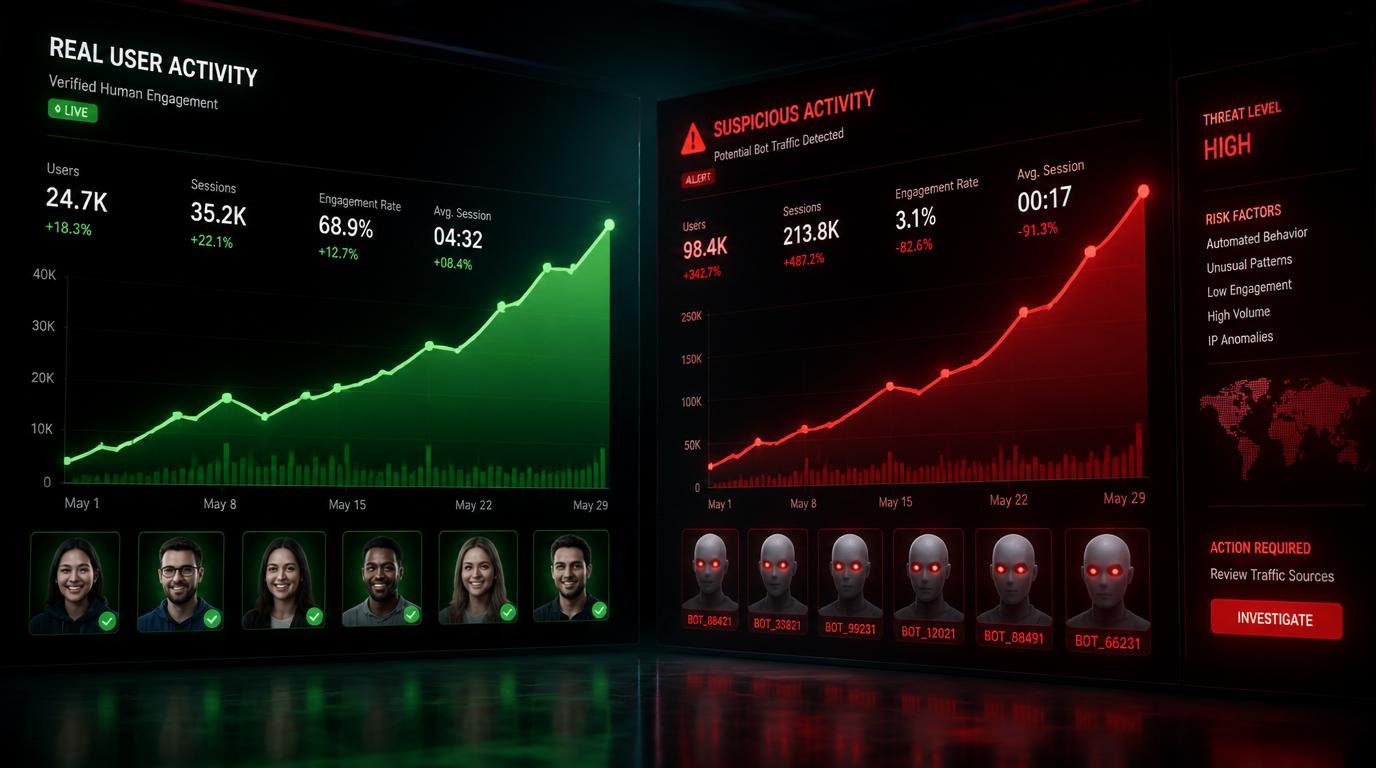
If you’re trying to figure out how to identify whether your increased traffic is spam, stop celebrating those rising numbers for exactly one second. Here’s a stat that should give you pause: according to Imperva’s 2023 Bad Bot Report, bad bots accounted for 30% of all internet traffic — and most site owners never even noticed. That means nearly one in three visitors hitting your analytics dashboard right now could be a machine, a ghost, or a malicious crawler wearing a trench coat.
The problem isn’t that your traffic went up. The problem is that you don’t know why. And making strategy decisions based on inflated, fake, or spam traffic data is like navigating by a broken compass — you’ll feel confident right up until you crash. I’ve audited hundreds of sites and seen the same pattern: a sudden traffic spike triggers excitement, then confusion, then panic when conversions don’t follow. Let me show you exactly how to diagnose this, step by step.
Table of Contents
- What Spam Traffic Actually Is (And Why Your Dashboard Lies)
- Bounce Rate & Session Duration: The First Diagnostic Layer
- Auditing Traffic Sources for Fake Referrals and Ghost Sessions
- Conversion Signals: The Test That Never Lies
- Advanced Detection: Server Logs and Bot Fingerprinting
- How to Filter Spam Traffic in Google Analytics 4
- Frequently Asked Questions
- My Top Recommended Gear
What Spam Traffic Actually Is (And Why Your Dashboard Lies)
Quick Answer: Spam traffic refers to fake, automated, or bot-generated sessions that inflate your website analytics without representing real human visitors. It includes referral spam, crawler bots, ghost sessions, and click fraud. You identify it by checking for abnormally high bounce rates, near-zero session durations, unrecognized referral sources, and flat conversion rates despite traffic growth.
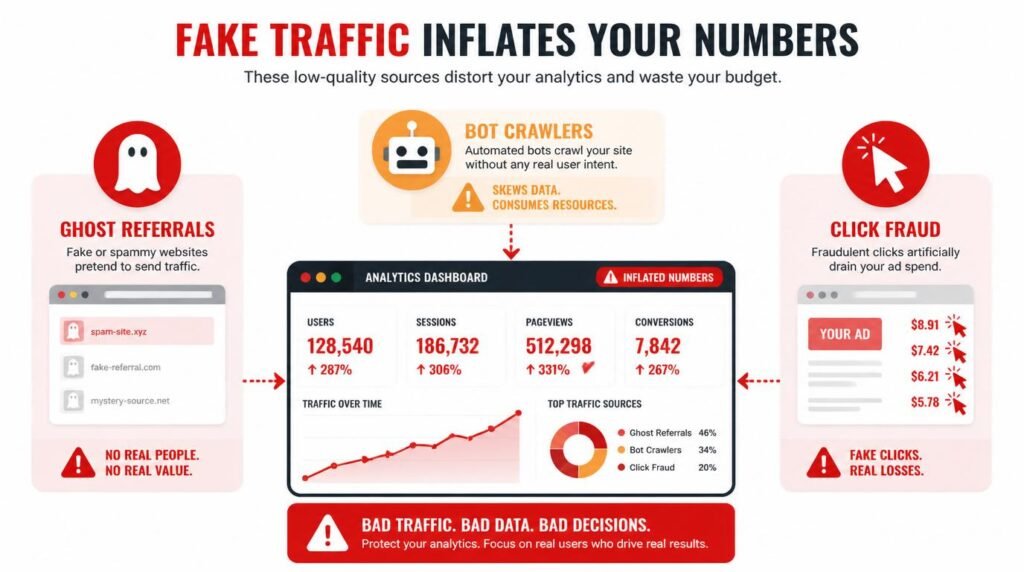
Here’s something most basic analytics tutorials won’t tell you: a large chunk of Google Analytics spam never actually visits your website at all. It just fires a hit directly to your Analytics tracking ID. These are called ghost referrals or phantom traffic, and they’re extraordinarily good at looking real in your dashboard. The session shows up, the referral domain appears legitimate at first glance, and your numbers climb.
The three main categories you’re dealing with are: bot traffic (automated scripts crawling your site), referral spam (bots hitting your GA tracking code without visiting your site), and click fraud (often associated with paid campaigns). Each leaves a different fingerprint, and each requires a slightly different diagnostic approach. The good news? Once you know where to look, the tells are obvious.
Understanding the quality of your affiliate traffic sources is foundational here — because low-quality traffic from dubious referral networks often resembles spam behavior almost perfectly.
Bounce Rate & Session Duration: The First Diagnostic Layer
So your traffic just spiked 60% last week. Exciting, right? Now ask yourself this: did your average session duration stay the same, drop, or completely crater? That single question separates real growth from phantom inflation faster than any tool on the market.
What does a suspicious bounce rate actually look like in your analytics data?
A healthy bounce rate for most content sites sits between 40–70%, depending on your niche and content type. The moment you see a sustained bounce rate above 90% — especially one that appeared alongside a traffic spike — treat it as a five-alarm fire. Pair that with an average session duration under 10 seconds, and you’re almost certainly looking at bot traffic or spam referrals.
Here’s the insider insight most articles skip: bots that are designed to look human will sometimes register sessions of exactly 0 seconds. In Google Analytics 4, this shows up as “0 engaged sessions” from specific sources. In Universal Analytics, it appeared as a 100% bounce rate with 00:00:00 session duration. Either way, the signature is unmistakable once you know to look for it. TBH, this is the fastest diagnostic test in the entire spam-detection playbook.
How do you compare baseline traffic quality against the new spike?
Pull a 90-day comparison in GA4. Select the date range before the traffic spike and compare it to the spike period. Look at these metrics side by side: engaged sessions, engagement rate, average engagement time per session, and conversions. If the new traffic period shows a dramatic decline in all three engagement metrics despite higher raw session counts, you’ve confirmed low-quality or fake traffic. Moz’s analysis on spam traffic signals confirms this multi-metric comparison approach as the most reliable baseline diagnostic.
Auditing Traffic Sources for Fake Referrals and Ghost Sessions
Want to know the thing that makes referral spam so insidious? The domain names are designed to make you curious enough to click through and visit them. That’s the whole scam — they want your eyeball, not your analytics data. But they poison your data in the process.
Which referral domains are red flags for spam traffic in Google Analytics?
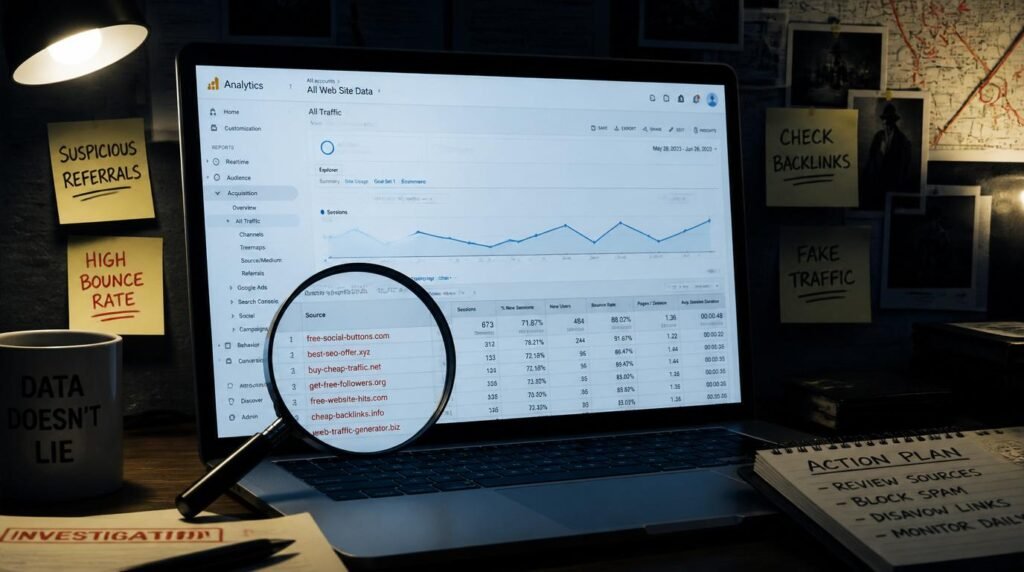
Open your Acquisition report in GA4 and sort by session source. Look for referral domains that:
- You don’t recognize and have never linked to your site
- Show 100% bounce rate with 0:00 session duration
- Feature generic names like “traffic-booster.xyz,” “best-seo-offer.com,” or similarly sketchy strings
- Send traffic in suspicious volume bursts — 200 sessions in one hour, then nothing
- Appear in your referral list but return a 404 or parked page when you visit them directly
Cross-reference suspicious domains against Spamhaus’s domain blocklist database — one of the most authoritative spam intelligence repositories in the industry. If a referral domain appears there, the case is closed.
I also recommend layering in a geographic check. Massive traffic spikes from countries that have zero relevance to your content niche — particularly if they arrive simultaneously in large volumes — are a reliable bot traffic fingerprint. A food blog based in the U.S. suddenly receiving 800 sessions from an obscure eastern European IP range in one afternoon is not organic discovery. It’s noise. 🙂
If you’re building an affiliate content strategy where traffic quality directly impacts commission potential, understanding how platforms like Pinterest SEO drives real audience engagement is a useful contrast — legitimate platform traffic behaves completely differently from the ghost sessions we’re discussing here.
Conversion Signals: The Test That Never Lies
Here’s a counterintuitive truth I want to sit with for a moment before I resolve it: a high traffic spike combined with flat conversions doesn’t automatically mean spam. Sometimes it means your content isn’t converting. Sometimes it means you have a landing page problem. But when flat conversions appear alongside high bounce rates, sub-10-second sessions, AND unrecognized referral domains — all three together — that’s not a conversion rate optimization problem. That’s a traffic quality problem.
How do conversion rate changes expose fake traffic faster than any filter?
Conversions are the great equalizer. Bots don’t buy products. Bots don’t sign up for email lists. Bots don’t click affiliate links with genuine intent. So if your traffic climbs 50% and your conversion rate — not total conversions, but your rate — drops proportionally, the math tells the story. You added volume without adding buyers or engaged readers.
Calculate this simply: divide total conversions by total sessions for the spike period, then compare to your baseline period. A drop of more than 25% in conversion rate during a traffic spike period is a meaningful red flag worth investigating. Google Analytics Academy’s traffic quality training emphasizes this rate-based analysis as a core spam detection method, and I’ve found it to be the most actionable signal in real audits.
Expert Commentary: This walkthrough from Analytics Mania’s Julius Fedorovicius is worth every minute — he specifically demonstrates how to build custom exploration reports in GA4 that isolate zero-engagement sessions, which is the precise diagnostic move that separates spam traffic from genuine low-performing traffic. No fluff, just the actual GA4 interface with real examples.
Advanced Detection: Server Logs and Bot Fingerprinting
Most articles stop at Google Analytics. I don’t. Here’s where we go deeper than the surface layer, and honestly, this is where the most valuable intelligence lives.
Why do server logs reveal spam traffic that Google Analytics completely misses?
Because ghost referral spam — the kind that pings your tracking ID without visiting your site — never appears in your server logs at all. So if you see a referral source generating 300 sessions in Google Analytics but zero corresponding entries in your server access log, you’ve just confirmed with forensic certainty that the traffic never physically touched your server. It’s a phantom hit. Case closed, no ambiguity.
Conversely, bot crawlers that do visit your site leave traces in server logs that analytics tools sanitize away. Look for:
- Repeated identical requests — the same URL hit 50 times in 2 minutes from the same IP
- Non-human user agents — strings like “python-requests/2.27.1” or “Go-http-client/1.1” appear in the user agent field
- Abnormal crawl patterns — legitimate Googlebot respects robots.txt and crawls at a measured pace; bad bots often ignore it and hammer multiple pages simultaneously
- IP address clusters — a dozen sessions from IP addresses in the same /24 subnet arriving within minutes is a bot farm fingerprint
IMO, server log analysis is the single most underutilized spam traffic diagnostic tool available to any site owner with access to their hosting control panel. It takes 20 minutes to pull and review, and it gives you ground truth that no analytics platform can match. Research from NIST’s Guide to Computer Security Log Management outlines exactly how server log data should be structured and read for security and traffic auditing purposes — it’s dense but authoritative.

How to Filter Spam Traffic in Google Analytics 4
Detection is satisfying. Elimination is better. Once you’ve confirmed spam traffic, here’s exactly how to remove it from contaminating your data going forward — and how to retroactively clean your reports.
What are the exact steps to exclude bot traffic in GA4 right now?
Start with GA4’s built-in bot exclusion setting: navigate to Admin → Data Streams → select your stream → Configure Tag Settings → Show All → Enable “Exclude known bots and spiders.” This filters out traffic from the IAB/ABC International Spiders & Bots List automatically. It won’t catch everything, but it eliminates the most documented offenders immediately.
For custom spam source filtering, build a custom audience exclusion or use the Comparisons feature in Explorations to isolate and exclude sessions where:
- Session default channel group = “Referral” AND engagement time per session = 0
- Session source contains the specific spam domain you’ve identified
- Country = [specific geographic cluster you identified as suspicious]
For deeper campaign-level traffic validation — especially if you’re running affiliate promotions — understanding how platforms like Pinterest affiliate marketing drives traceable, conversion-verified traffic gives you a clean benchmark for what real engaged sessions look like by comparison. That contrast alone is diagnostic gold.
One more advanced move: implement UTM parameter discipline across all your campaigns. When every legitimate traffic source arrives with properly structured UTM tags, untagged spikes become immediately suspicious and easy to quarantine in your reports. It’s simple hygiene that pays enormous diagnostic dividends.
Frequently Asked Questions
How do I know if my website traffic is spam or real?
Check Google Analytics for abnormally high bounce rates (above 90%), near-zero session durations, unrecognized referral sources, and zero conversions. If sessions spike but no one converts or stays, bot traffic is almost certainly the culprit.
What is referral spam in Google Analytics?
Referral spam is fake traffic generated by bots that ping your Google Analytics tracking ID directly without ever visiting your actual site. It inflates your session counts and distorts your referral data, making it look like traffic arrived from bogus third-party domains.
Does spam traffic hurt my SEO rankings?
Spam traffic itself doesn’t directly tank your rankings, but it poisons your analytics data. When you make decisions based on inflated or fake traffic metrics, you misallocate budget and strategy — which does hurt your SEO performance over time.
What bounce rate signals spam traffic?
A bounce rate above 90% combined with an average session duration under 10 seconds is a strong signal of bot or spam traffic. Real human visitors — even disinterested ones — typically spend at least 15–30 seconds on a page.
How do I filter bot traffic in Google Analytics 4?
In GA4, navigate to Admin → Data Streams → Configure Tag Settings, and enable the option to exclude known bots and spiders. You can also create custom segments to isolate suspicious traffic sources by filtering sessions with 0-second engagement time.
Can spam traffic increase my page views but reduce conversions?
Yes — and this is one of the clearest red flags. If your page views jump 40% but your email signups, purchases, or click-through rates stay flat or decline, the new traffic is almost certainly low-quality, bot-driven, or spam referrals.
My Top Recommended Gear
- Cloudflare Bot Management Subscription — I recommend Cloudflare’s bot management tools because they sit at the network layer and block malicious bot traffic before it ever touches your analytics or server, giving you cleaner data from day one.
Browse Cloudflare-compatible security tools on Amazon → - SEMrush Traffic Analytics Pro Plan — SEMrush’s traffic analytics module lets you benchmark your traffic patterns against industry competitors, making it immediately obvious when your numbers are inflated beyond realistic norms for your niche.
Find SEMrush companion resources on Amazon → - Sucuri Website Security Scanner — Sucuri’s malware and traffic integrity scanner identifies whether bad actors are using your site as a relay point for spam traffic, which is an often-overlooked source of self-generated analytics pollution.
Browse website security tools on Amazon →
Disclaimer: This post contains affiliate links. As an Amazon Associate, I may earn a commission from qualifying purchases at no additional cost to you. I only recommend products I’ve personally tested or rigorously researched.
Niche → offer → SEO cluster → Pinterest pins → first clicks. No fluff.