Amazon Influencer Video Requirements: 7 Powerful Wins
Disclosure: As an Amazon Associate I earn from qualifying purchases. Equipment links below go to Amazon.com. These are researched options, not products we claim to have tested.
Amazon influencer video requirements become expensive when you discover them after filming twenty products. A video can be visible on your storefront without earning onsite placement, and a polished demonstration can still point to the wrong variant. Before recording another batch, separate eligibility, content quality, upload acceptance and commission eligibility.
This US-focused checklist gives you seven practical wins: verify the current threshold, choose a useful demonstration, record readable evidence, handle disclosures, tag accurately, diagnose rejection and measure the work. Checked October 31, 2026; account screens and linked official guidance should be checked again before uploading.
Table of Contents
1. Amazon influencer video requirements start with eligibility
Amazon’s current video FAQ says an active Influencer storefront can upload videos. It now describes 10 moderation-approved videos plus completed onsite-commission signup before videos may appear on relevant product pages. That differs from the familiar three-video advice still circulating online. The word “may” matters: meeting a threshold does not purchase distribution.
Save a dated note of the instructions displayed inside your own Creator Hub. If your account shows a different review flow, keep that message and ask support which instructions apply to your account. Do not repeatedly submit extra files to satisfy an assumption copied from someone else’s screenshot.
Use four separate rows in your tracking sheet: program membership, individual video moderation, onsite signup and actual placement. Mark each confirmed, pending or unknown. This makes an unhelpful question—“Am I approved?”—specific enough to investigate. A storefront URL alone answers only the first part of the workflow.
Amazon influencer video requirements also need a marketplace label. This article concerns the US workflow; creators serving Canadian shoppers should use our Amazon Influencer Program Canada guide to check regional registration and destinations. A global creator audience does not mean every store offers identical features.
2. Choose a demonstration that resolves a buying doubt
Start with products you already understand, then write the question a shopper cannot answer from the listing. A bottle’s capacity is easy to read. Whether its lid opens comfortably with one hand, or whether a brush reaches the bottom, is easier to judge when shown. That is a useful filming assignment.
For Amazon influencer video requirements, original evidence is more useful than reading packaging aloud. Pick one action, one relevant observation and one limitation. If you show a container fitting a lunch bag, name the bag dimensions you actually measured. Do not extend that observation into a claim that it fits every commuter bag.
A workable outline for Amazon influencer video requirements is: identify the exact item, demonstrate the decisive feature, explain the tradeoff and say whom it suits. Give the product enough screen time for the viewer to inspect what your commentary describes. Cut a second introduction before cutting the view of the latch closing.
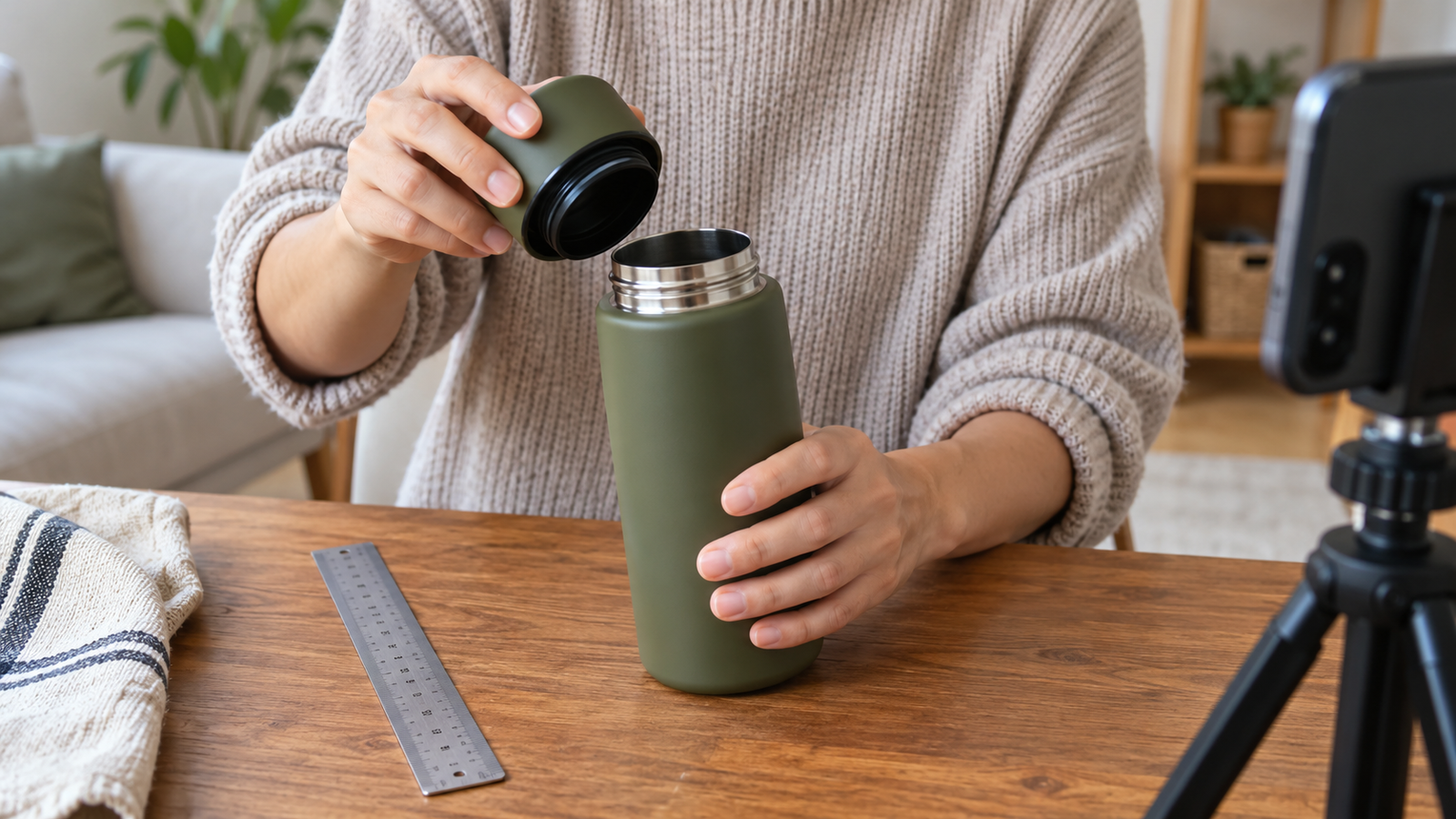
Here is an illustrative bottle script: “I use this size at my desk. This is how far the lid opens; here is the opening beside my cleaning brush. The handle folds, but it still catches on this narrow pocket.” Film those actions. Avoid claiming leak resistance unless your actual test supports that narrow statement.
Keep an evidence boundary beside every claim: observed personally, manufacturer specification or untested. The boundary prevents your narration from quietly turning a feature into a promise. Pair the session with our affiliate product photography shot plan so the same real demonstration supplies useful stills for your own article.
Amazon influencer video requirements: the script check
Read the script without the footage. If it could describe fifty competing items unchanged, replace praise with a specific observation. “Great quality” tells a shopper little; showing whether the hinge holds the lid away from their face answers a recognizable concern. Then remove any sentence the camera cannot help substantiate.
3. Make sound, framing and export settings repeatable
Treat Amazon influencer video requirements as two checklists: what your current uploader accepts and what a person can understand. Record the format, file-size limit, duration range and resolution shown in Creator Hub before exporting. Seller Central tutorials and sponsored-video ad specifications describe different submission routes; do not borrow their numbers by default.
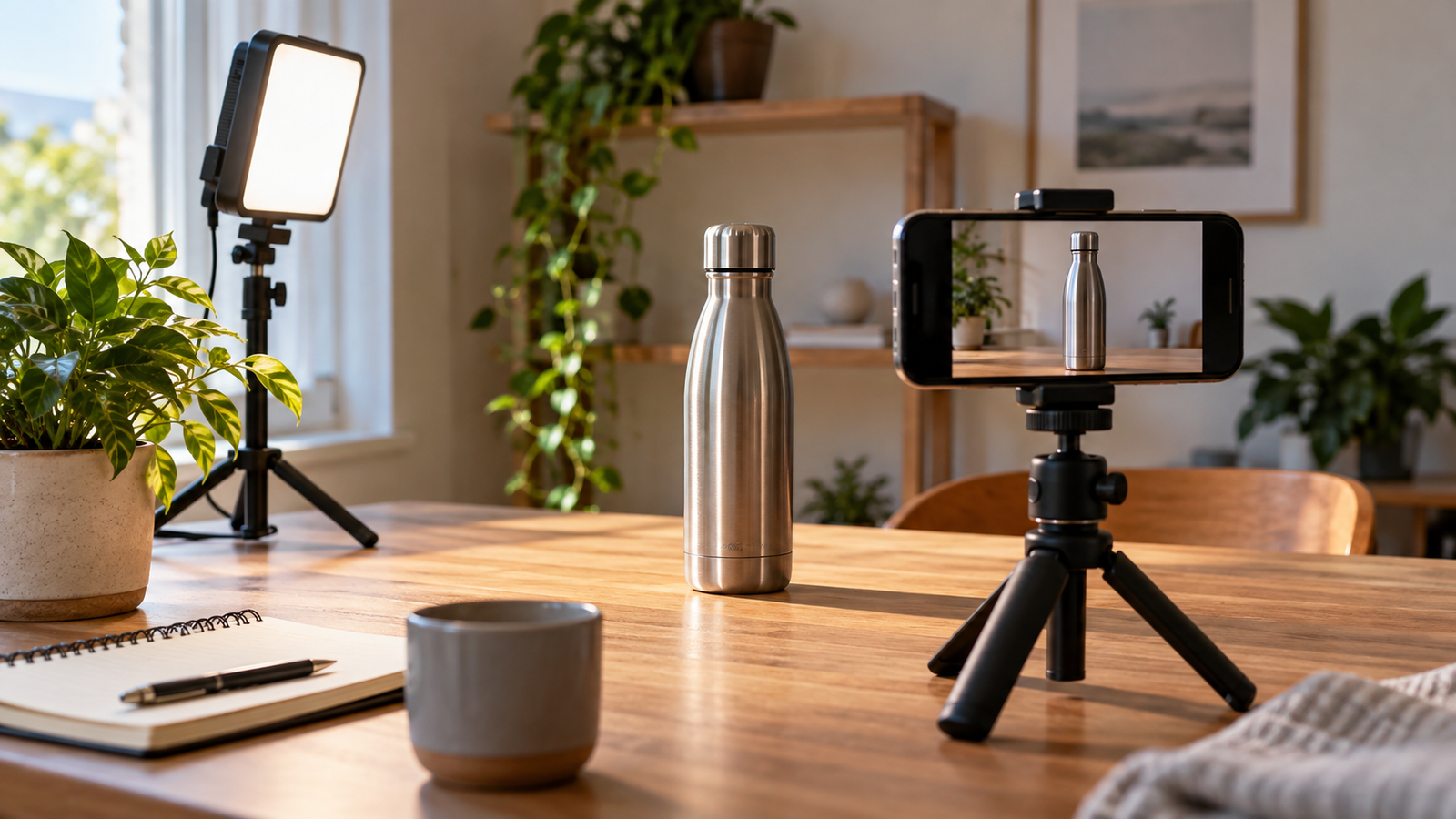
My suggested starting workflow is a short 1080p test recording, a stable phone and plain speech in a quiet room. This is a production recommendation, not a statement of Amazon’s minimum specification. Play the exported file on another device before filming the rest of your products.
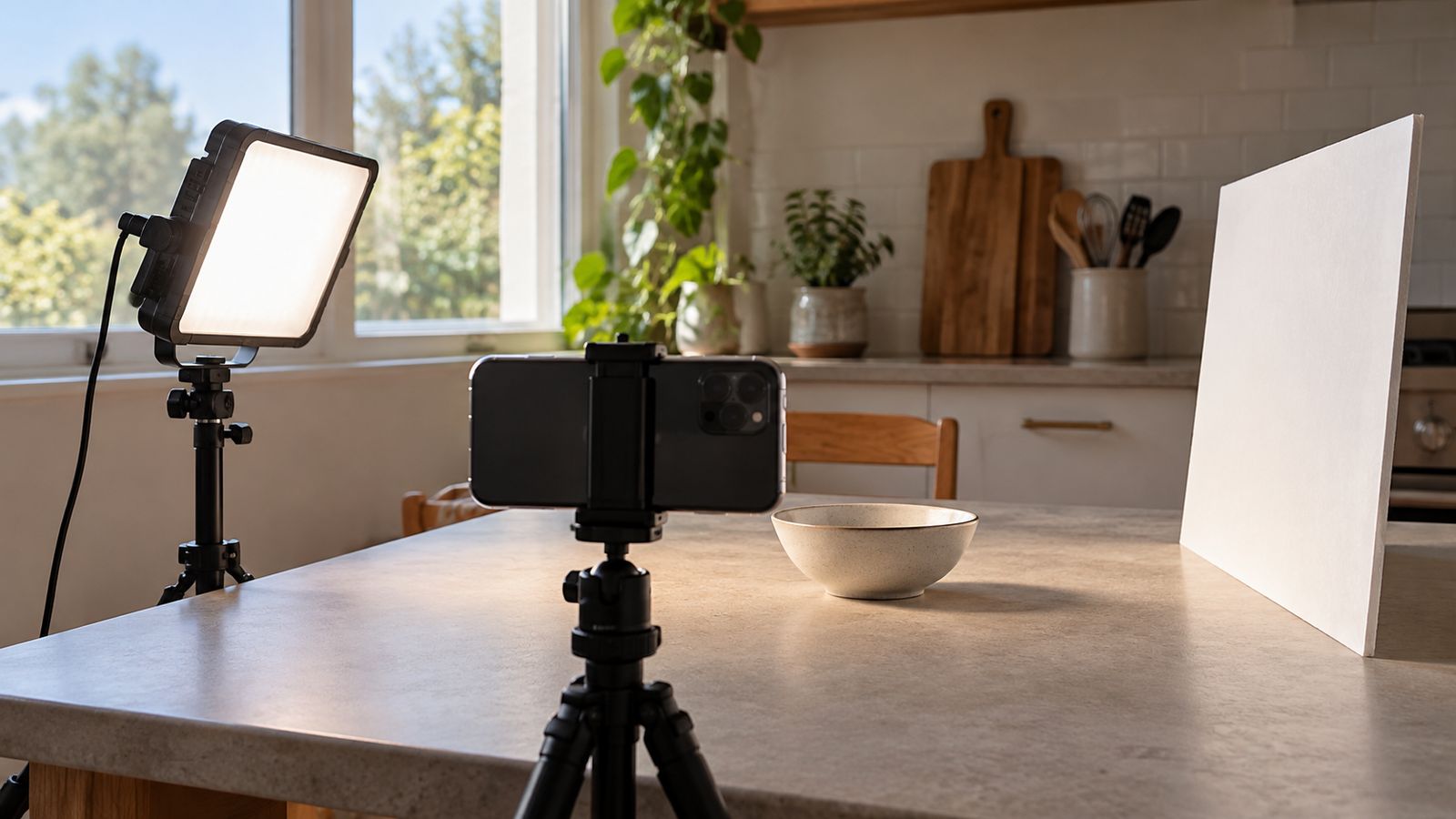
For Amazon influencer video requirements, lock the framing before demonstrating. Leave enough space around moving parts so your hands do not hide the mechanism. Clean the phone lens, tap to focus on the relevant surface and check bright reflections. A white product against a white wall may require a darker background rather than another lamp.
If a shaky shot is the actual problem, the ULANZI MT-44 phone tripod offers a repeatable position for lightweight phone demonstrations. Check the exact model, clamp fit and load limits; a compact travel support is a poor substitute for a dedicated overhead rig.
For inconsistent close-up lighting, consider the ULANZI VL49 RGB LED light. Use neutral white light and inspect the recorded finish; decorative colour effects can make the product look different from the item a shopper receives.
When distant or echoing narration is the bottleneck, the DJI Mic Mini, one transmitter and one receiver is a researched wireless audio option. Confirm phone connector, adapter and recording-app compatibility before buying, and compare a sample with the microphone you already own.
These three upgrades solve different faults. Buy none until a test exposes the fault. Meeting Amazon influencer video requirements is not a reason to accumulate a studio; a steady, audible explanation with useful evidence is the goal. Equipment cannot fix a recommendation that never answers the buyer’s question.
4. Amazon influencer video requirements: clear disclosures
Build disclosure into the shot list before recording. The FTC’s Disclosures 101 guidance says video endorsements need disclosure in the video itself; a description alone can be missed. It also explains that free or discounted products can create a relationship that needs disclosure.
For a commission-based recommendation, a practical opening is “I may earn a commission from qualifying purchases.” If a brand supplied the item, explain that connection as well. Use readable on-screen wording and spoken disclosure so the meaning survives muted playback or a viewer looking away briefly.
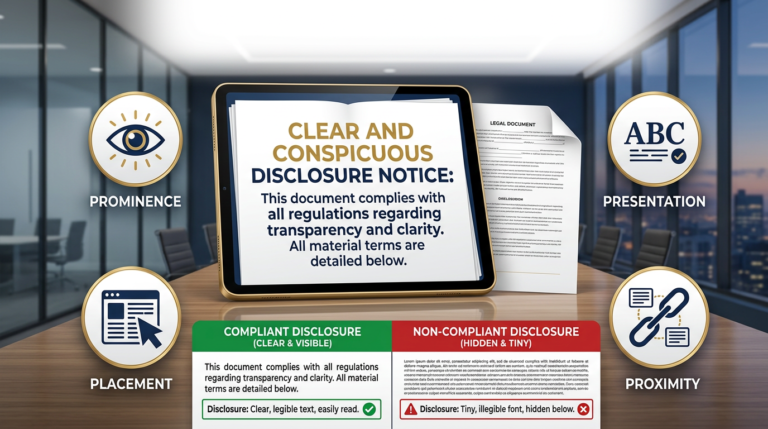
Amazon influencer video requirements and disclosure planning should be reviewed together, but they serve different checks. Keep the statement close to the endorsement, use plain language and do not hide it behind a profile link. See our clear-and-conspicuous disclosure examples for placement ideas you can adapt.
Do a frame-by-frame privacy pass too: shipping labels, receipts, email notifications, family photographs and reflective surfaces can reveal information you never intended to include. Record in a controlled area, silence notifications and inspect the final export. Fix the actual footage rather than relying on a small crop in the upload preview.
5. Amazon influencer video requirements: accurate product tags
Keep a product ledger with the listing URL, ASIN, model, size, colour and accessory bundle. Before tagging, compare the object in your hand with the current listing. Similar photographs do not prove identical connectors or included parts. A demonstration of one package should not silently become evidence for another.
Amazon’s official seller-forum explanation of influencer videos describes review for demonstrative, descriptive content and correct ASIN association. It also explains that distribution is automatic and sellers do not control whether an influencer video appears simply because they dislike its opinion. That makes accurate, independent explanation worth protecting.
For Amazon influencer video requirements, build the tag check into the session itself. Photograph the model label for your private notes, then keep that information out of the public frame if it contains personal details. When an item has changed, decide whether the footage still accurately represents the listing before reusing it.
For Amazon influencer video requirements, give the video a descriptive title tied to the buying question: “Opening and cleaning the 20-ounce bottle” is more useful than “You need this!” Avoid making a discount or delivery promise that will expire. Your affiliate gift guide can carry seasonal context while the demonstration remains useful after the sale.
Amazon’s official overview below illustrates the shoppable-video concept. It is an older explainer, not a source for current thresholds, upload screens or payment rates; use the dated official links above for those decisions.
6. Diagnose rejection before recording a replacement
When checking Amazon influencer video requirements after a failed upload, preserve the exact message and date. First distinguish a technical upload failure from a moderation rejection. One might require a fresh export or connection check; the other requires understanding the stated content issue. Changing everything at once makes it harder to learn what went wrong.
Use a simple diagnostic order for Amazon influencer video requirements: file opens correctly, product is visible, explanation adds information, tags match, disclosure is clear and prohibited or unsupported claims are absent. This is an editorial troubleshooting order, not Amazon’s internal review sequence or a promise of acceptance.
If the message mentions poor quality, inspect the exported file rather than the sharp original in your camera roll. Compression may have damaged detail, background noise may cover a key sentence, or a vertical crop may cut off the action. Ask someone unfamiliar with the product to describe what they learned.
If the message remains unclear, contact support with the affected video, marketplace, submission date and exact wording. Ask which requirement needs correction. Keep your original recording and a version log, then resubmit only through the steps your account permits. Repeated identical uploads are not a diagnosis.
For holiday production, work backward from a reviewable first upload instead of aiming for an arbitrary daily video quota. Reserve time for corrections, then publish supporting content on your own channels only when the demonstration and product destination are ready. A calendar full of unfinished files offers no shopper value.
Before delegating editing, give the editor your evidence notes and exact-product ledger. Specify which observations must remain visible and which claims were deliberately excluded. Require a final export check by the person who used the item. Faster editing helps only when it preserves the reasoning that made the recommendation worth recording.
A practical rejection log: fix one variable
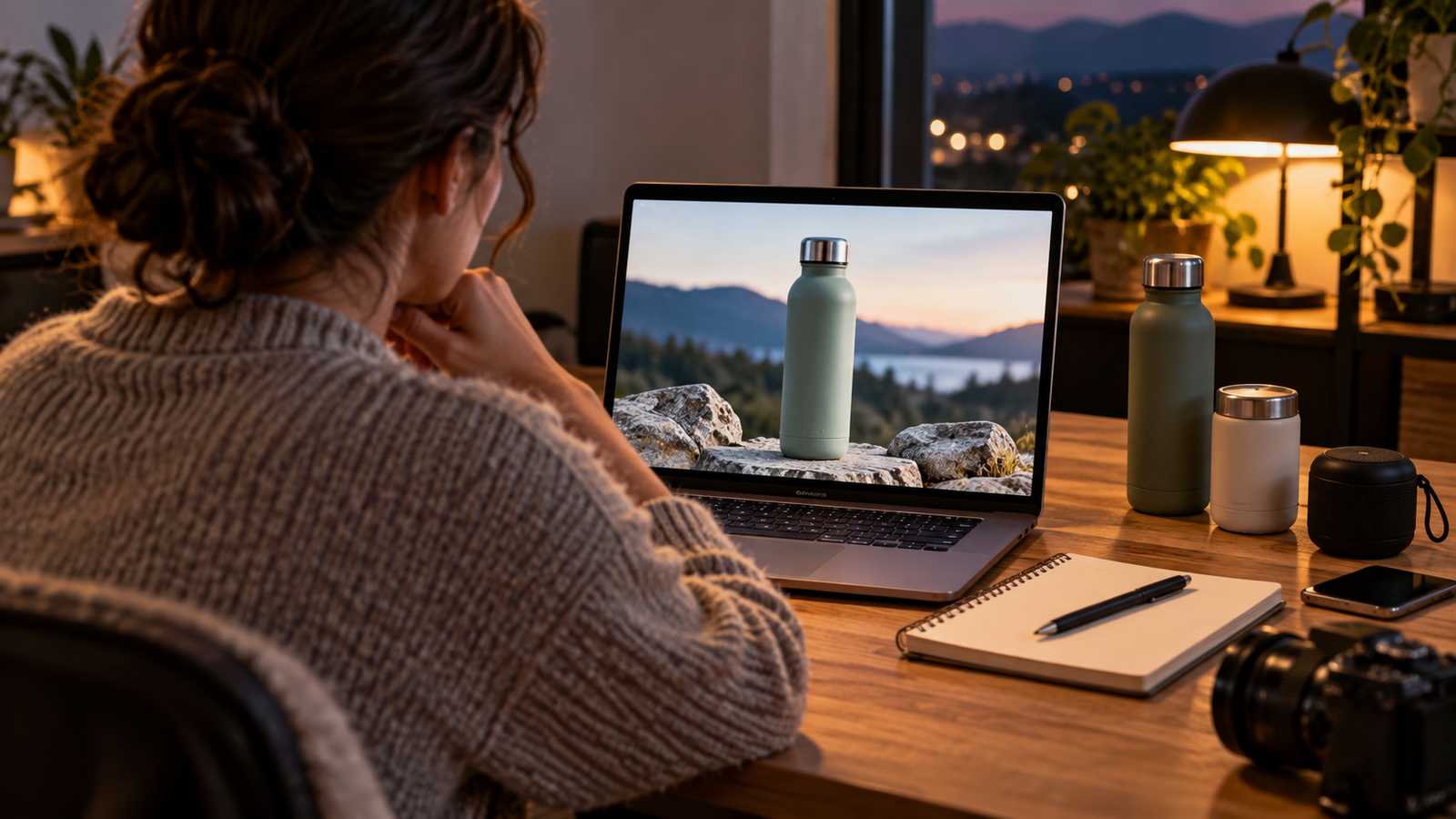
Suppose your bottle video is rejected and the message identifies an incorrect product tag. Your recording shows the straw-lid version, but the selected listing is the screw-cap bundle. First compare the saved model notes and packaging with both listings. If the footage accurately demonstrates the straw-lid item, correct the association through the permitted workflow. If the listing itself has changed, re-record the relevant demonstration rather than forcing a match.
Record the original submission, stated reason, changed field and resubmission date. Leave the narration alone unless it is also inaccurate. That small log lets you distinguish a tagging correction from an audio or content improvement when reviewing the result. It also prevents an editor from restoring the wrong link during a later refresh.
7. Measure useful production before scaling the library
Passing Amazon influencer video requirements is an entry checkpoint, not a business forecast. Amazon’s Influencer Program policy reserves discretion over using and removing content. Separate observed placement from assumptions about future traffic, and use your current account terms for commission eligibility and rates.
Set an initial production budget for Amazon influencer video requirements in hours. For example, allocate four hours to planning, recording, editing and checking a small batch using possessions you already own. Record time per accepted video, recurring rejection reasons and whether the explanations answer actual audience questions. These are controllable measures even when distribution is uncertain.
Illustrative arithmetic, not an earnings prediction: if a batch eventually produces $24 in net commission and required four hours, it returned $6 per working hour before equipment, tax and other costs. If a $60 accessory was bought solely for that batch, the cash result is negative $36 before those other expenses.
When assessing Amazon influencer video requirements and results, keep onsite reports separate from external affiliate-link traffic. Review returns and reversals before treating gross commissions as income. A video with little exposure does not prove the product is poor; a video with clicks but few qualifying purchases needs a different investigation. Record unknowns instead of assigning a cause the reports cannot establish.
Review Amazon influencer video requirements again before your next substantial batch, especially when the account interface changes. Preserve original footage for your own tutorials and comparisons where you hold the rights. A growing library is useful only while its product matches, explanations and commercial disclosures remain accurate.
Amazon influencer video requirements FAQ
Do I need three or ten videos for Amazon onsite placement?
Amazon’s current US video FAQ describes 10 moderation-approved videos and completed onsite-commission signup before relevant product-page placement may occur. Older three-video tutorials can describe an earlier flow. Check your own account instructions and ask support about any mismatch; neither count guarantees placement.
Does an approved storefront video automatically earn commissions?
No. Storefront visibility, moderation, onsite eligibility and qualifying commissions are separate checkpoints. Confirm the marketplace, account status and applicable terms. Record actual reported results instead of assuming that an accepted upload is already appearing on product pages or earning money.
What are the Amazon influencer video requirements for length and resolution?
Use the current Creator Hub upload instructions for your account’s accepted duration, resolution, format and size. Do not substitute Seller Central or Amazon Ads specifications. A short 1080p test is a suggested production starting point here, not a verified universal minimum.
Can I make Amazon influencer videos without showing my face?
Plan around demonstrating the product clearly and explaining what you personally observed. A hands-focused demonstration can communicate useful evidence, but no filming style guarantees acceptance. Check current content guidance and make sure your narration adds specific information rather than repeating the listing.
Do Amazon influencer videos need an affiliate disclosure?
Explain material commercial relationships where the endorsement is encountered. FTC guidance says a video disclosure belongs in the video, rather than only in its description. Use clear spoken and visible wording, and disclose a free product or brand payment when that relationship applies.
Why was my Amazon influencer video rejected?
Read and preserve the precise moderation message first. Check the exported file, audible commentary, visible product action, correct listing association and unsupported claims. If the reason remains unclear, ask support about that video and account before editing or submitting another version.